How Freelancers Share Client Work Securely
A client just emailed asking for the unreleased product photos, the draft contract, and the staging-site screenshots — all in one thread. You have ninety seconds to send something professional that does not leak.
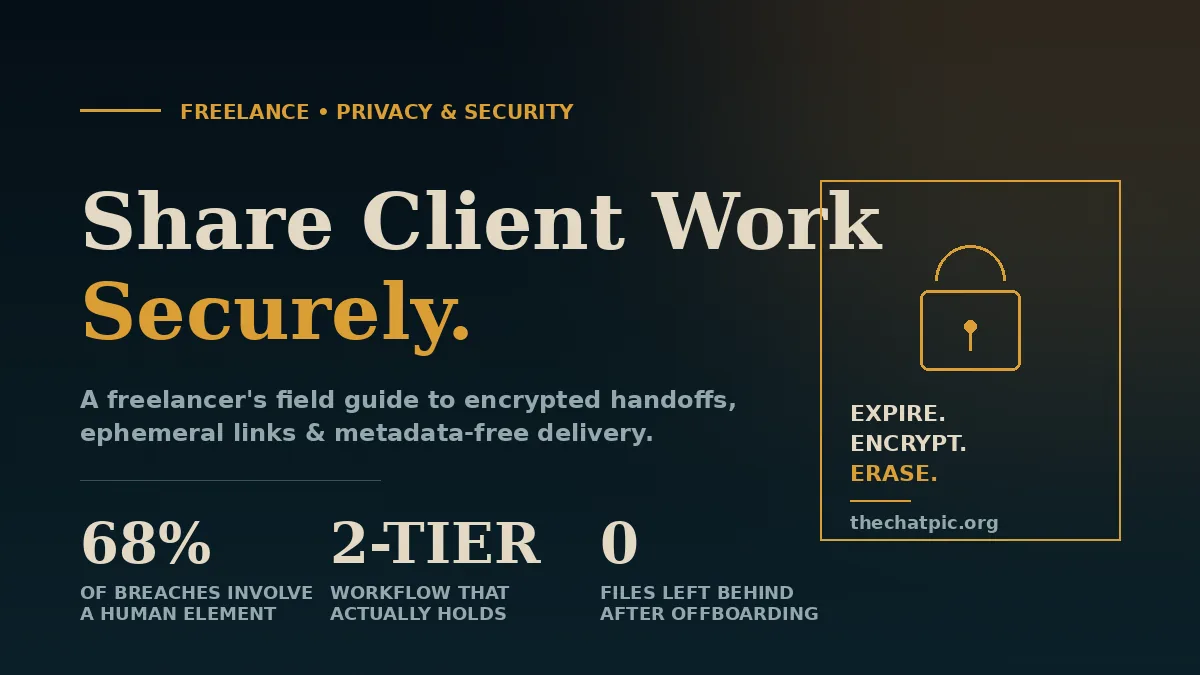
That moment repeats every week for most freelancers, and it is exactly where security quietly breaks. Files get dropped into a personal Google Drive, screenshots fly through WhatsApp, and a stray EXIF tag tells the world where the photo was taken. The 2024 Verizon Data Breach Investigations Report found that 68% of breaches involved a human element, not exotic hacking — small workflow choices, made fast.
This guide shows exactly how freelancers share client work securely in 2026: which tools to use for which file type, how to set up a two-tier workflow, the NDA and contract language that actually holds up, and the mistakes I see costing freelancers contracts every month.
What “Secure Sharing” Actually Means for Freelancers
Secure client sharing means three things working together: the file is encrypted in transit and at rest, only the intended recipient can open it, and it stops existing the moment the project ends. Most freelancers nail one of those and assume the other two follow. They do not.
Encryption is the easy part. Almost every reputable tool now uses TLS 1.3 in transit and AES-256 at rest. The hard parts are access control (who can open the link) and retention (how long it lives after the job is done).
Access control is where casual workflows leak. A Dropbox link with “anyone with the link can view” gets forwarded once and becomes public. Retention is worse — files sit in personal cloud accounts for years after the contract ends, often still indexable through old shared links.
A useful rule from infosec: assume every link you share will be screenshotted, forwarded, and indexed. Design your workflow around that assumption and most of the other decisions become obvious.
The Two-Tier Workflow Every Freelancer Should Run
Trying to make one tool do everything is what creates the leak. Top freelancers I have worked with split sharing into two tiers, and the split takes about fifteen minutes to set up.
Tier 1 — Collaboration (drafts, iteration, real-time editing). Use a persistent cloud workspace. Google Drive, Dropbox, or OneDrive are fine here because you and the client need to revisit files repeatedly, leave comments, and version. Lock down each folder with explicit email-based permissions, not link-sharing.
Tier 2 — Delivery and sensitive handoffs (final files, screenshots, credentials, proofs). Use ephemeral, end-to-end encrypted tools that expire automatically. Final logo files, password-protected PDFs, client screenshots, and one-off proofs go through these — never the same folder you collaborate in.
The split matters because the security posture of “we need to edit this together for a week” is fundamentally different from “you need to see this once and we are done.” Mixing them is how a Q3 product mockup ends up cached in a Slack channel three years later.
In my own freelance years building niche sites and managing client assets, the single change that cut “where did you send me that?” emails to zero was moving every final deliverable to a self-destruct link and keeping only iterative work in Drive. The same pattern is endorsed in industry guides from privacy-focused services and the EFF’s Surveillance Self-Defense project.
Step-by-Step: A Secure Handoff in 2026
Here is the exact sequence I run for every new client. It takes under ten minutes to set up on day one and seconds per handoff after that.
1. Sign before you send anything. A short freelance NDA or a confidentiality clause inside your main contract is non-negotiable for any project touching customer data, financials, unreleased products, or internal documents. Free templates from Bonsai, AND.CO, or your state bar are fine starting points; have a lawyer review once if the contract value warrants it.
2. Set up a dedicated client folder. Create a Google Drive or Dropbox folder named after the client. Share it only with their work email — never a personal Gmail. Disable “anyone with the link” at the folder level. This is your Tier 1 space.
3. Decide what is Tier 1 versus Tier 2 before the project starts. Working drafts, briefs, and shared brand assets go in the folder. Final deliverables, screenshots of staging environments, exported credentials, and anything containing the client’s private customer data go through Tier 2.
4. Strip metadata from every image. Photos and screenshots carry EXIF data — GPS coordinates, device model, exact timestamps. Most casual sharing tools do not remove it. Use a tool that strips metadata on upload (ChatPic does this automatically; ImageOptim and ExifTool work for desktop batches).
5. Send final files through expiring links. When the project is delivered, the file goes through an ephemeral service with a short expiry or burn-after-view setting. The link lives long enough for the client to download, no longer.
6. Revoke access on close-out. When the invoice clears, remove the client folder’s sharing permissions, rotate any temporary credentials, and delete copies from your machine. Keep your master archive in an encrypted personal volume (VeraCrypt, FileVault, BitLocker).
7. Document what you sent. A simple Notion or Airtable log — date, file, recipient, link expiry — is your defense if a dispute later asks “did we ever receive that?”
Which Tools to Use for Which File Type
Generic “best file sharing tools” lists ignore the part that matters: different files need different tools. Here is the mapping I actually use.
| File Type | Tool Tier | Recommended Approach |
|---|---|---|
| Draft documents, working briefs | Tier 1 | Google Docs / Dropbox Paper with email-restricted sharing |
| Design source files (PSD, Figma, AI) | Tier 1 | Figma project sharing or Dropbox with explicit invites |
| Screenshots of staging sites, bug reports | Tier 2 | Ephemeral image link with EXIF stripping (ChatPic) |
| Final logo, brand assets, deliverable images | Tier 2 | Burn-after-view link plus an archive copy in your encrypted master |
| Large videos, raw footage | Tier 2 | WeTransfer Pro (password + 7-day expiry) or Tresorit Send |
| Credentials, API keys, temporary logins | Tier 2 | Password manager share (1Password, Bitwarden) or one-time-secret services — never email, never Slack |
| Contracts and signed PDFs | Tier 1 | E-signature platforms (Docusign, Dropbox Sign) with audit trail |
| Sensitive customer data (PII, financials) | Tier 2 | End-to-end encrypted services (Tresorit, Proton Drive) or a virtual data room if regulated |
A few notes from testing each. Tresorit Send and Proton Drive lead on true end-to-end encryption for documents — meaning the provider itself cannot read your files. 1Password and Bitwarden are the right place to share credentials because the recipient sees the password without it appearing in plaintext anywhere persistent. WeTransfer’s free tier is fine for non-sensitive bulk transfers but lacks password protection without a Pro account.
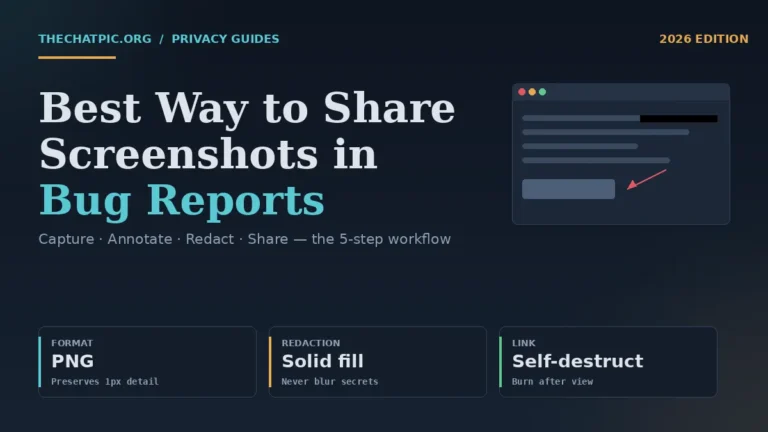
For image and screenshot sharing — the most common daily freelance handoff — a privacy-first link tool with automatic EXIF removal and self-destruct is the right Tier 2 choice. That is the specific job ChatPic is built for, and our comparison hub covers how it stacks against Imgur, ImgBB, and Postimage for that use case. If those screenshots are bug reports for a dev team, our guide to the best way to share screenshots in bug reports covers redaction and annotation specifics.
Real Examples: How Three Freelancers Handle It
Abstract advice rarely sticks. Here is what the workflow looks like for three common freelance types I have either consulted with or coached on tooling.
The web designer (Phoenix, AZ). Runs a six-figure Webflow consultancy. Every client gets a Notion workspace (Tier 1) for briefs, a Figma project for live design (Tier 1), and a one-off ephemeral link for every staging-site screenshot and final design export (Tier 2). She stopped using Slack for screenshots after a client’s competitor briefly accessed a leaked staging URL from a forwarded screenshot — the URL was visible in the address bar. Now every screenshot is uploaded with EXIF stripped and a 24-hour expiry. Total added time per handoff: about twelve seconds.
The developer (Brooklyn, NY). Builds Shopify apps for DTC brands. He uses GitHub for code (private repos with branch protection), 1Password for sharing API keys and Shopify admin invites, and Tresorit for client-supplied customer data on migration projects. Source code never leaves the repo, credentials never appear in chat, and customer data never sits in personal Drive. When a project ends, the GitHub collaborator access is revoked, the 1Password vault is archived, and the Tresorit folder is deleted.
The copywriter (Austin, TX). Writes long-form pieces for SaaS companies. Tier 1 is Google Docs with comment-only access for the client. Tier 2 is for delivery of any image assets, brand voice documents marked confidential, and the final PDF when a client requests a “clean” non-Google version. She uses self-destruct links for the brand voice file because she has had two prior brand docs end up in competitor swipe files.
The common thread is not the specific tools. It is the discipline of routing each file type to a tool that fits its risk level instead of dumping everything into one chat thread. The same two-tier approach scales across creative fields — see how it adapts for designers and agencies sharing work anonymously, for photographers sending client proofs privately, and for developers sharing bug report screenshots.
Expert Tips That Save You Contracts
Things experienced freelancers do that beginners almost never do.
Use unique passwords per client, generated by a manager. If one client account is breached, the blast radius is exactly one client. Reusing a password across three retainer clients is how a single breach kills three contracts.
Turn on 2FA for every shared service. Specifically Google Drive, Dropbox, your password manager, your email, and any client billing tool. App-based 2FA (Authy, Aegis) beats SMS, which is vulnerable to SIM-swap attacks documented by the FTC since 2019.
Send links through encrypted channels when sensitivity is high. A self-destruct link in a regular email is still better than the file in the email — but a self-destruct link sent through Signal or a password-protected channel is better still.
Watermark visible client proofs. A subtle “DRAFT — [Client Name] — [Date]” overlay on design proofs makes leaks traceable and discourages forwarding. Tools like Photopea or a Figma component handle this in seconds.
Keep a client offboarding checklist. Mine has seven items: revoke folder access, rotate any shared credentials, delete local copies, archive the master to encrypted storage, close the password manager vault, export and store the contract and invoices, send the standard “project closed” email. Doing it the day the invoice clears prevents months of orphaned access.
Never use freelance-platform chat for sensitive files. Upwork, Fiverr, and similar platforms have had support-agent access to client chats documented for years. Move file sharing off-platform once the contract starts, where the platform terms allow it.
Common Mistakes That Quietly Cost You Clients
I have seen each of these end retainers. None require sophisticated attackers.
Mistake 1: One Google Drive folder for every client. Everything visible to anyone you have ever shared a sub-folder with, permissions impossible to audit. Fix: one folder per client, sharing set at the folder level, audited quarterly.
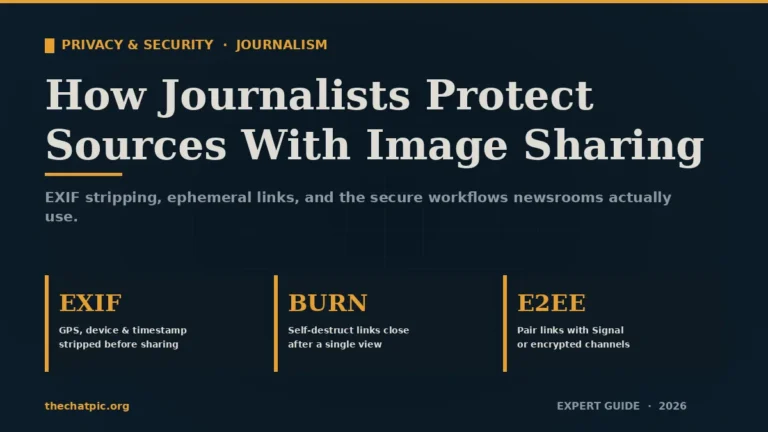
Mistake 2: Sharing screenshots without stripping EXIF. A photo of a product mockup taken on an iPhone embeds GPS coordinates of your home office. Clients in security-sensitive industries (finance, health, defense contractors) have terminated freelancers for this exact reason. Fix: any tool that re-encodes the image on upload strips EXIF — that is how automatic EXIF removal works on privacy-first hosts.
Mistake 3: “Anyone with the link” permissions. Convenient, indexable, often cached by Google. Fix: email-restricted sharing, or expiring tokenized links from a Tier 2 service.
Mistake 4: Credentials in Slack or email. Slack messages persist, are searchable by admins, and survive offboarding. Fix: password manager sharing, period.
Mistake 5: No NDA on small projects. “It’s only a $500 logo job, I don’t need paperwork.” The lawsuit cost when a competitor sees the draft is not proportional to the project size. Fix: a one-page mutual NDA template, signed before any file moves.
Mistake 6: Treating “free” services as enterprise-grade. Free tools are excellent for non-sensitive sharing and prototyping. They are not the right home for regulated data (HIPAA, PCI-DSS, attorney-client privileged material). Fix: match the tool’s compliance posture to the data, and use a compliance-certified service for regulated work.
Mistake 7: Keeping every client file forever. More data retained equals more data that can leak. Fix: a retention policy — typically delete deliverables one year after project close, keep only contracts and invoices for tax purposes.
FAQs
What is the safest way for freelancers to send files to clients?
The safest path is an end-to-end encrypted, expiring link sent through a separate channel from where you share the password. For images and screenshots specifically, a privacy-first host with automatic EXIF removal and burn-after-view (such as ChatPic) handles the most common daily handoff. Match the tool’s encryption and retention to the file’s sensitivity.
Is Google Drive secure enough to share client work?
Google Drive is secure for collaborative drafting if you use email-restricted sharing, enable 2FA, and avoid “anyone with the link” permissions. It is not the right tool for highly sensitive final deliverables, credentials, or regulated data. For those, switch to an end-to-end encrypted service where Google itself cannot read the files.
Do I really need an NDA for freelance work?
Yes, for any project touching customer data, unreleased products, financials, internal documents, or proprietary processes. A one-page mutual NDA signed before files move protects both parties and clarifies what counts as confidential. Free templates from Bonsai or your state bar are adequate starting points for most freelance contracts.
How do I remove EXIF data from photos before sending?
Use a tool that re-encodes the image on upload. ChatPic strips EXIF automatically; ImageOptim (Mac) and ExifTool (cross-platform) handle desktop batches. Avoid sending raw camera files directly through email or chat, since most messaging apps preserve metadata. Stripping takes seconds and prevents GPS coordinates from leaking.
What is the best ephemeral file sharing tool for freelancers?
It depends on file type. For images and screenshots, an EXIF-stripping host with self-destruct links is ideal. For documents and credentials, Tresorit Send or one-time-secret services work well. For large videos, WeTransfer Pro with password and 7-day expiry. The principle is the same: the link should die when the job is done.
Can clients sue me if my file sharing leaks their data?
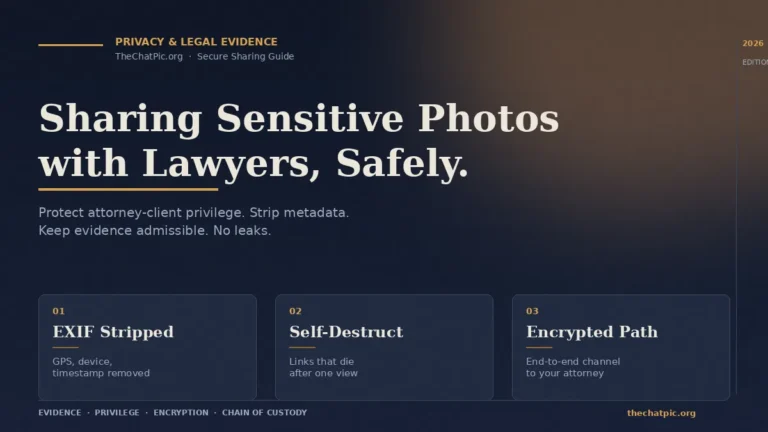
Yes, depending on the contract and the data involved. Most freelance contracts include a confidentiality clause, and a breach of it can trigger damages. Regulated data (health records, payment information, personal data under GDPR or CCPA) raises liability further. Carrying professional liability insurance and following the workflow in this guide are the practical defenses. If a client’s material is itself part of a legal matter, our guide on sharing sensitive photos with lawyers safely covers the chain-of-custody side.
Should I use a VPN when sharing client files?
A VPN is worth using on public Wi-Fi and when working from networks you do not control — coffee shops, coworking spaces, hotels. It is not a substitute for end-to-end encryption on the files themselves. For very high-stakes sharing, our Tor and VPN privacy guide walks through adding a network-level layer.
How long should I keep client files after a project ends?
Keep contracts, signed scopes, and invoices for at least the period your tax authority requires (usually seven years in the US). Delete deliverables and working files one year after project close unless the contract states otherwise. Less retained data means less data that can leak in a future breach.
The Bottom Line
Secure client sharing is not about owning expensive tools. It is about routing each file to a tool whose security posture matches the risk — collaborative drafts to a persistent workspace, final deliverables and sensitive handoffs to ephemeral encrypted links, credentials to a password manager, regulated data to a compliance-certified service.
Set up the two-tier workflow once. Sign an NDA before files move. Strip metadata on every image. Revoke access when the invoice clears. That is how freelancers share client work securely in 2026 — without slowing down a single delivery.
Your next step: the next time a client asks for a screenshot or a final image, send it as a self-destruct link with EXIF stripped instead of an email attachment. Try ChatPic for the handoff — no signup, link ready in seconds, gone when the job is done. For deeper privacy practices across the workflow, browse our Privacy & Security guides.