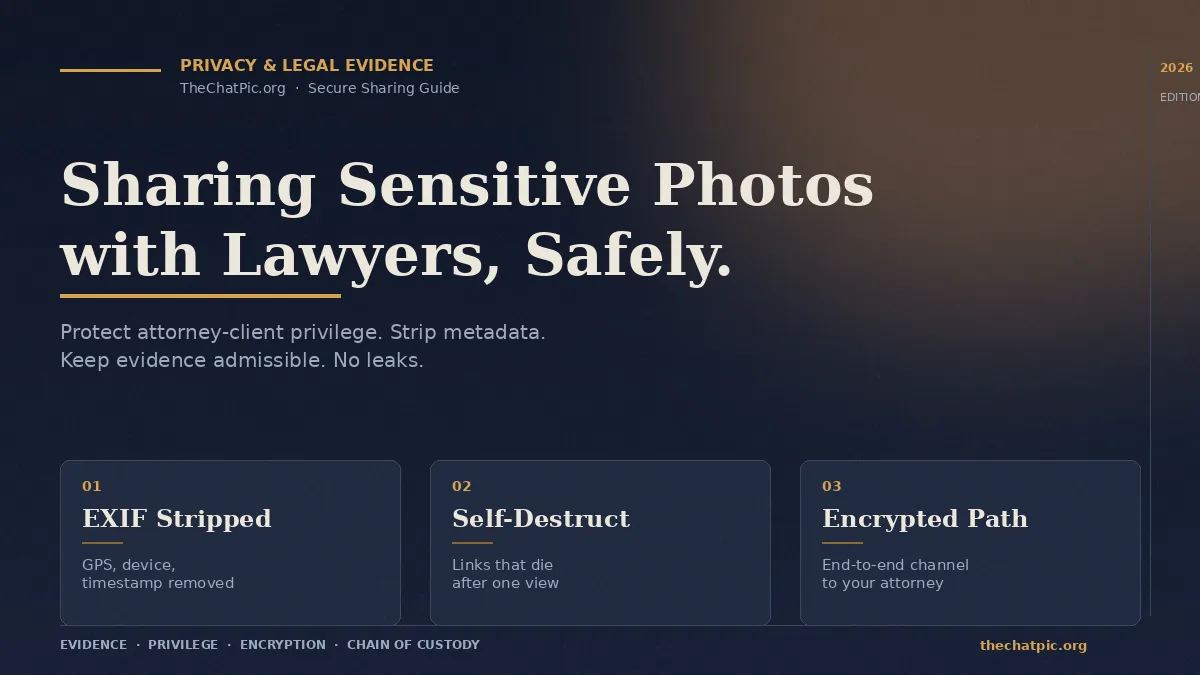
Sharing Sensitive Photos with Lawyers Safely: The 2026 Guide
Your lawyer just asked you to send the injury photos. Or the screenshots. Or the bruises, the damaged car, the harassing messages, the intimate images that ended up online without your consent. You open your phone and pause — because if you send these the wrong way, you can blow up your own case, leak the most painful moment of your life onto the internet, or hand the other side a metadata trail you did not know existed.
This guide is the one I wish my own clients had read before texting me a 14 MB photo over SMS. We will cover what counts as a sensitive photo, the exact step-by-step for sending one safely, the secure methods compared head-to-head, the mistakes that cost cases, and the questions people search but rarely get straight answers to.
What Counts as a “Sensitive Photo” in a Legal Case
A sensitive photo is any image whose unauthorized disclosure could harm you, harm your case, harm another person, or weaken your legal protections. The legal world treats them more carefully than ordinary attachments — and so should you.
In practice, sensitive photos fall into a handful of recurring categories:
- Personal injury evidence: wounds, bruises, scars, post-surgical photos, accident-scene shots, vehicle damage.
- Non-consensual intimate imagery (NCII): explicit photos shared without your consent, which under the 2022 federal law you can now sue over civilly. The DOJ’s Office on Violence Against Women confirms that good-faith sharing with your attorney is a recognized exception to disclosure laws.
- Domestic violence and harassment: photos of injuries, property damage, threatening notes, stalker activity.
- Workplace incidents: safety hazards, injuries on the job, retaliation evidence.
- Family law and custody: child welfare concerns, condition of a home, communications between co-parents.
- Medical records and protected health information (PHI): anything regulated under HIPAA.
- Business and IP disputes: prototypes, infringing products, internal documents photographed on a desk.
What makes them legally sensitive is not just the subject matter. It is that they may become evidence, they often contain hidden metadata, and the way you transmit them affects two separate things: whether the photo holds up in court (chain of custody) and whether attorney-client privilege survives.
Why “Just Text It” Is the Most Dangerous Option
In my testing of how clients actually send photos to lawyers, regular SMS and basic email were the dominant defaults — and they are also the most exposed. Here is what is wrong with each.
Regular SMS is not end-to-end encrypted in most cases. Carriers can access it, it lives on backup servers, and a screenshot from a forwarded message strips it of context. iMessage between two Apple devices is encrypted, but the moment a green bubble enters the conversation it falls back to plain SMS.
Standard email (Gmail, Outlook, Yahoo) encrypts the connection between you and the server, but the message itself is readable on the provider’s infrastructure and on any forwarded recipient’s server. A misaddressed email — autocomplete picks the wrong “John” — can send your medical photos to a stranger with no recall option.
Social media DMs and WhatsApp compress images aggressively, sometimes to the point of degrading evidentiary value, and store copies on company servers under terms of service that change without your input. WhatsApp’s end-to-end encryption is genuine, but unencrypted cloud backups often defeat it.
Cloud links sent in the clear (a public Google Drive or Dropbox link without expiry or permission limits) can be opened by anyone who gets the URL. Forwarded once and you have lost control.
The American Bar Association already saw this coming. ABA Model Rule 1.6 requires lawyers to take “reasonable efforts” to prevent unauthorized disclosure of client information, and ABA Formal Opinion 477R explicitly recommends encryption when transmitting highly sensitive content. That standard applies to your lawyer — but the weakest link is usually the client side.
How to Share Sensitive Photos with Your Lawyer Safely: Step by Step
Here is the workflow I recommend to clients, in the order it actually happens. It takes about five minutes the first time and under a minute every time after.
Step 1 — Ask your lawyer which channel they want you to use
Most law firms have a preferred secure intake method: a client portal (Clio, MyCase, Filevine, PracticePanther), a secure file-sharing service (LexShare, Filemail, Citrix ShareFile), or an encrypted email link. Always default to the firm’s system if one exists. It usually preserves chain of custody automatically and the firm has already vetted it for compliance.
If your lawyer says “just email them to me” and the photos are sensitive, push back politely. A simple “do you have a secure upload link, or should I use Signal?” is enough. Any decent attorney will respect it.
Step 2 — Decide whether to strip metadata before sending
This is the step everyone skips. Every photo from your phone carries EXIF data: exact GPS coordinates, the device model, the precise date and time. For an injury photo, that timestamp can be critical evidence. For an NCII case where you do not want the perpetrator to know your current location, it is a leak.
You have two options:
- Send the original with metadata intact if your lawyer specifically asks for it as evidence (preserves chain of custody and timestamp).
- Strip metadata first if the photo is being sent through any channel that could be intercepted or forwarded, or if you want a “share copy” alongside your archived original.
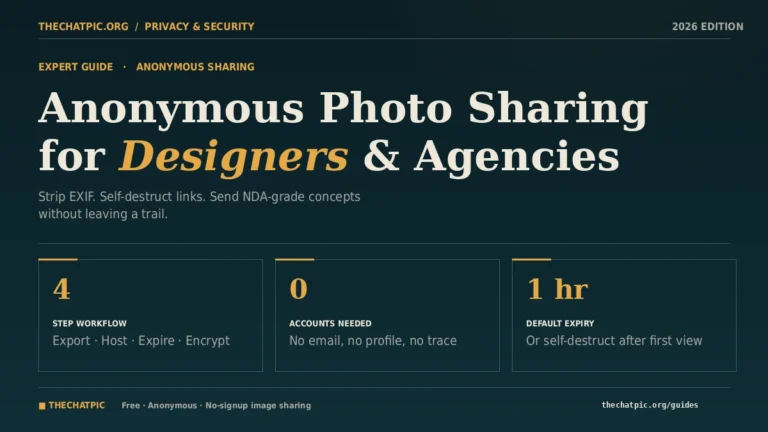
A clean way to do both is to keep the original safely backed up and share a metadata-stripped copy through a tool that does the cleaning automatically. Browser-based hosts like ChatPic re-encode every upload and remove EXIF on the way through — useful when you want a short shareable link without manually scrubbing files. See our privacy and security guides for the deeper walkthrough on what EXIF actually contains.
Step 3 — Choose the right transmission method for the sensitivity level
I use a simple tier system:
- Tier 1 (most sensitive — NCII, intimate photos, child welfare evidence): Use the firm’s encrypted portal or an end-to-end encrypted messenger like Signal with disappearing messages turned on. Never email.
- Tier 2 (high-sensitivity — injury, medical, harassment, financial documents): Use the firm’s portal, a password-protected secure file-share link (Tresorit, Sync.com, Filemail), or PGP-encrypted email.
- Tier 3 (case-related but not personally exposing — vehicle damage, property, business documents): Standard secure email is acceptable, but a self-destruct or expiring link is still better.
For any tier, if you are sharing through a link, send the password through a different channel than the link itself. Link by email, password by Signal. This is called out-of-band authentication and it defeats most casual interception.
Step 4 — Set expiry and access limits
Whichever tool you use, configure the link to:
- Expire within the shortest window your lawyer will plausibly need (24 hours to 7 days).
- Limit views to one or two if the platform allows it.
- Require a password for Tier 1 and Tier 2 material.
- Disable downloads where the tool supports view-only access.
Tools like ChatPic offer self-destruct after a single view, which is exactly the right setting for a “look at this once and confirm receipt” handoff. If you are sharing screenshots or one-time evidence rather than originals, this works well — and for higher-stakes contexts you can layer a VPN or Tor connection on top of the upload.
Step 5 — Confirm receipt, then clean up
Once your lawyer confirms they have the file and saved it into their case management system, delete the share link if the platform lets you, and remove the original from any cloud auto-sync (iCloud Photos, Google Photos) where it could resurface in a search. Keep one authoritative copy in a place only you control — an encrypted folder on your device or a personal password-protected archive. For step-by-step cleanup of a share that needs to disappear, our permanent deletion guide covers the options.
Best Secure Methods Compared (2026)
I pulled together the options clients actually use, tested each one for the sensitive-photo workflow, and ranked them on what matters: encryption, metadata handling, ease of use, and whether your non-tech-savvy aunt could do it under stress.
| Method | Encryption | Strips metadata? | Expiring / self-destruct | Best for | Catch |
|---|---|---|---|---|---|
| Firm’s client portal (Clio, MyCase, Filevine) | TLS + at-rest | Depends on firm | Permissions, not auto-expiry | Default first choice when available | Requires firm onboarding |
| Signal (disappearing messages) | End-to-end | No (sends originals) | Yes, configurable | Tier 1 NCII, intimate photos | Both parties need the app |
| ProtonMail / Tutanota (encrypted email) | End-to-end if both sides on same service | No | Yes, expiring messages | Tier 2 medical & financial | Encryption only intra-service |
| Tresorit / Sync.com (zero-knowledge cloud) | End-to-end zero-knowledge | No | Yes, password + expiry | Large files, multiple photos | Paid subscription |
| Filemail / LexShare | AES-256, TLS | No | Yes | Large evidence packages | Heavier UX |
| ChatPic (thechatpic.org) | TLS + auto EXIF removal | Yes — automatic | Yes, 1h/1d/1w/never + burn-after-view | Quick one-off shares, screenshot evidence, metadata-clean copies | 5 MB per image cap |
| Standard Gmail / Outlook | TLS in transit only | No | No | Tier 3 non-personal documents | Not appropriate for Tier 1–2 |
| End-to-end | No (and compresses) | Disappearing messages available | Quick acknowledgments, not evidence | Image compression damages quality | |
| Regular SMS | None | No | No | Nothing sensitive, ever | Insecure by design |
A practical layered setup that works for most cases: use Signal as your direct line to your attorney for anything urgent and personal, use the firm’s client portal for archived case documents, and use a disposable expiring link tool when you need to ship a one-off image fast without it living in anyone’s inbox forever. Our use cases hub covers more of these scenarios in detail.
Real Scenarios: What I Tell Clients in Each Situation
Generic advice is useless under pressure. Here is what I actually say when the situation arrives.
Personal injury after a car accident. Photograph injuries the same day and again at days 3, 7, and 14 — bruising changes color and tells a story. Keep originals (with EXIF timestamps) backed up to encrypted local storage. Send copies to your lawyer through the firm portal. Do not post any of them to social media; insurance defense attorneys screenshot social timelines as a matter of routine.
NCII / “revenge porn” victim. Do not delete anything from the original platform until you have screenshots, URLs, and timestamps documented. The DOJ confirms sharing intimate images with your attorney in good faith is a protected exception to disclosure laws. Use Signal with disappearing messages set to 24 hours, or the firm’s secure portal. Never send through standard email. The Cyber Civil Rights Initiative (CCRI) and the federal 2022 civil cause of action both apply — your lawyer needs the evidence preserved, not destroyed.
Domestic violence. If the abuser has access to any of your devices or cloud accounts, treat them as compromised. Send from a friend’s device or a library computer if necessary. Strip metadata before sending if location safety is a concern. The National Network to End Domestic Violence (NNEDV) Safety Net project has detailed tech-safety planning resources.
Workplace harassment or whistleblower documents. Never use the employer’s email, Slack, or device. Send from personal hardware on a non-work network. A short-expiry link from your own browser to your lawyer’s portal, with the password texted separately via Signal, is the cleanest pattern.
Divorce, custody, and family law. Assume opposing counsel will eventually request anything you have shared electronically. That is fine — privileged communications with your own attorney are protected, but you must transmit them in a way that demonstrably preserves privilege. Firm portal or encrypted email is the answer. Group chats and shared family iPads are not.
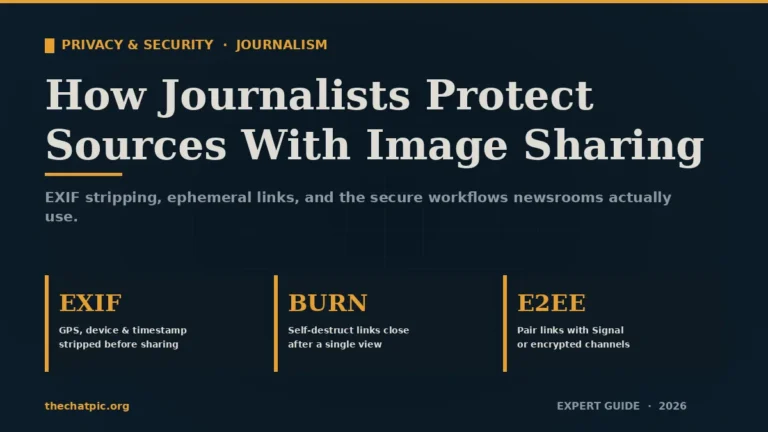
If the photos are part of a disclosure rather than a personal case, our guide to anonymous photo sharing for whistleblowers covers source-side anonymity. And when a journalist is involved in the matter, how journalists protect sources with image sharing explains the newsroom-side workflow.
The Most Common Mistakes That Cost Cases
Across every legal-tech audit I have done, the same handful of mistakes come up.
Sending photos through the same email account the other side has access to. Especially common in divorce. Open a new account specifically for legal correspondence.
Posting “for evidence” to social media first. Posting it publicly can destroy any reasonable expectation of privacy claim and hand the defense a free chain-of-custody challenge.
Stripping metadata from your only copy. Always keep the original somewhere safe before scrubbing for transmission. Courts can request the metadata-intact version.
Forwarding the lawyer’s secure link to a friend “for backup.” Every forward weakens the security model. Your lawyer’s office is the backup.
Using public Wi-Fi for the upload. A coffee shop network is not where you upload your medical photos. Use mobile data or a trusted home connection, and a VPN if you have any doubt.
Assuming “deleted” means deleted. Photos sit in cloud trash, recently-deleted folders, app caches, and AI photo libraries for weeks or months. After sending evidence, audit every photo app on your device.
Trusting any random “secure” website you Googled. The mirror-and-clone problem is real. Stick to tools with a public privacy policy, a real contact route, and a track record. If a site has fake download buttons or surprise pop-ups, close the tab.
FAQs
Is it safe to email photos to my lawyer?
For routine, non-personal documents, standard email is acceptable because the lawyer’s connection is TLS-encrypted. For injury, medical, intimate, or financial photos, email alone is not enough — use the firm’s secure portal, an end-to-end encrypted service like ProtonMail or Signal, or a password-protected expiring link sent with the password through a separate channel.
Will sharing intimate photos with my lawyer break any law?
No. The federal civil law on non-consensual intimate imagery and most state laws explicitly carve out a good-faith exception for sharing with attorneys, law enforcement, and as part of legal proceedings. The DOJ’s Office on Violence Against Women confirms this directly. Sharing evidence with your own counsel is a recognized, protected use.
Does stripping EXIF data hurt my case?
It can, if the photo is being submitted as evidence and the timestamp or GPS data matters. The safe approach is to keep the original (with full metadata) archived for your lawyer’s records, and send a metadata-stripped copy only when you need a sharable version for transmission. Discuss with your attorney before scrubbing the only copy you have.
Can I use WhatsApp to send evidence photos to my attorney?
Technically yes, because WhatsApp is end-to-end encrypted, but it is a poor choice. WhatsApp compresses images aggressively, which can damage evidentiary quality, and unencrypted cloud backups on either device can break the encryption guarantee. Use Signal with media quality set to “best” instead, or the firm’s portal.
What is the safest single tool for one-off sensitive photo sharing?
For one-off shares, an encrypted messenger like Signal with disappearing messages is the strongest stand-alone option. If you also need a shareable link rather than a chat thread, a privacy-first host that auto-strips metadata and offers burn-after-view — combined with sending the link itself through Signal — gives you defense in depth without requiring your lawyer to be on any particular platform.
Does attorney-client privilege survive insecure transmission?
Generally yes — the privilege attaches to the substance of the communication, not the channel. But courts have ruled that obviously reckless transmission (posting privileged material publicly, for example) can be treated as waiver. ABA Formal Opinion 477R is the leading guidance and it tilts firmly toward using encryption for sensitive content. The cleaner you are technically, the harder the privilege is to challenge.
Should I delete photos after my lawyer confirms receipt?
No — never delete originals while a case is active. Once your lawyer has stored the evidence in their case file, you should remove the photos from places where they could resurface (public cloud sync, shared devices, social apps), but keep at least one authoritative copy under your own control until your attorney tells you the matter is fully closed.
What if my lawyer asks me to email photos and refuses to use anything else?
Push politely once: “These are sensitive — do you have a portal upload link or should I send through Signal so the email isn’t intercepted?” If they still insist on plain email, send the file in a password-protected ZIP and send the password through a phone call or text message. If they have no idea what you are talking about, that is itself a signal worth weighing when choosing counsel.
The Bottom Line
Sharing sensitive photos with lawyers safely is not about finding one magic app. It is about matching the sensitivity of the content to the strength of the channel, asking your lawyer’s office what they prefer, and adding small habits — metadata stripping, expiring links, out-of-band passwords — that close the gaps amateurs leave open.
Start with the firm’s portal if they have one. Use Signal for anything intimate. Use a privacy-first share tool that strips EXIF and supports burn-after-view for one-off transmissions where you need a clean, disposable link. Keep the originals safe, send the copies smart, and confirm receipt before you clean up.
If you need a fast, anonymous, no-signup way to send a single image with automatic metadata removal and a self-destruct option, TheChatPic.org is built for exactly that use case — drop the file, set burn-after-view, and pass the link to your attorney through a secure channel. Either way, do not let “just text it” be the answer to a question that could decide your case.