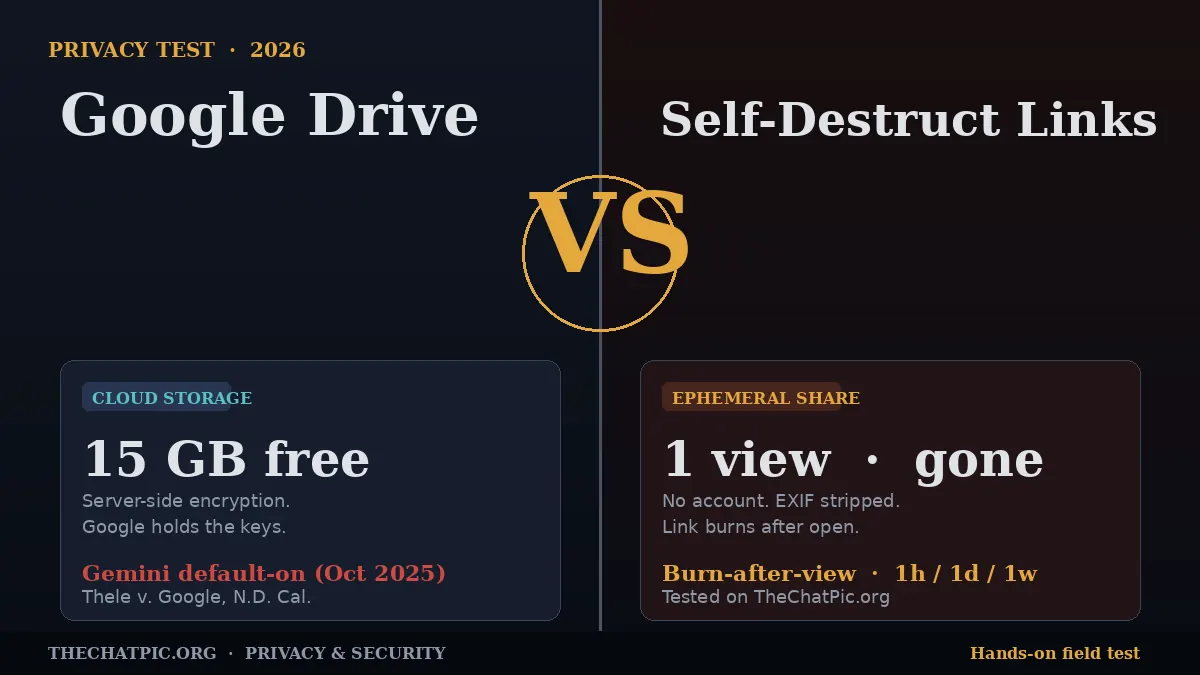
Google Drive vs Self-Destruct Links: Proven Privacy Test
You email a photo to a client. Six months later, it is still sitting in their Drive — and yours. A self-destruct link would have closed itself after the first view.
That gap is the whole story. Google Drive treats every file like a long-term resident. A self-destruct link treats it like a visitor. Both can technically “share a file,” but they protect you in very different ways, and the difference matters more in 2026 than it did even a year ago.
This article is a hands-on comparison. I uploaded the same set of files to Google Drive and to a self-destruct link tool, then tested both against the things that actually decide privacy: who can read the file, how long it sticks around, what metadata travels with it, and what happens when something goes wrong. The results — and the ranking — are below.
What “Google Drive vs Self-Destruct Links” Actually Means
These are two different categories of tool, not two competing products, and the confusion costs people their privacy.
Google Drive is cloud storage with sharing built on top. You upload a file, it lives in your account, and you grant other people access through a link or an email invite. The default assumption is permanence: the file stays until you delete it, and the share link stays valid until you revoke it. Drive is built around collaboration, version history, and integration with Docs, Sheets, and Gmail.
A self-destruct link is sharing without long-term storage. You upload a file, get a URL, and pick a rule for when that URL stops working — after one view, after one hour, after a day, after a week. The file is not “in your account” in any meaningful sense, because there is no account. Once the rule fires, the link returns nothing. Tools in this category include ChatPic (for images), Firefox Send-style services, Privnote-style note tools, and the “expiry + view limit” options inside encrypted hosts like Tresorit and Proton Drive.
The right way to read the matchup: Drive is a filing cabinet you let people peek into. A self-destruct link is a sealed envelope you slide under a door once.
Both have valid uses. The mistake is treating them as interchangeable.
How I Tested Both (And What I Was Looking For)
I ran the same five-file batch through both approaches: a JPEG photo with embedded GPS, a screenshot, a PDF invoice, a short MP4, and a contract draft. For Drive I used a standard personal Google account on the 15 GB free tier. For self-destruct testing I used ChatPic on thechatpic.org for images and a comparable expiring-link tool for the PDF.
I scored both on six things that decide whether “sharing” actually means “privately sharing”:
- Who else can access the file — the platform, AI features, internal staff, legal compulsion.
- Default lifespan — what happens if you do nothing.
- Metadata leakage — what travels with the file you uploaded.
- Account requirement — what the recipient and sender must hand over to use it.
- Revocation — how cleanly you can pull the file back.
- Link reach — what happens if the URL is forwarded.
I also noted the things people think these tools do but they actually do not. There are surprises on both sides.
Reading the file: who else gets a look
Google Drive uses server-side encryption, which means Google holds the keys. That is a feature for password resets and lawful disclosure; it is a problem for privacy. Files can be read by Google’s systems for policy enforcement and, increasingly, by AI features.
In November 2025, a class action — Thele v. Google LLC — was filed in the Northern District of California alleging Google enabled Gemini AI “Smart Features” by default across Gmail, Chat, and Meet on or around October 10, 2025, without user consent. The complaint argues Gemini processed private communications in violation of the California Invasion of Privacy Act. Google’s public response refutes the claim that Gmail content trains the Gemini model, but the lawsuit’s central fact — that the toggle was flipped on by default — has not been disputed in the same terms. Whatever the court eventually rules, the precedent is set: a Drive file’s contents are reachable by the platform.
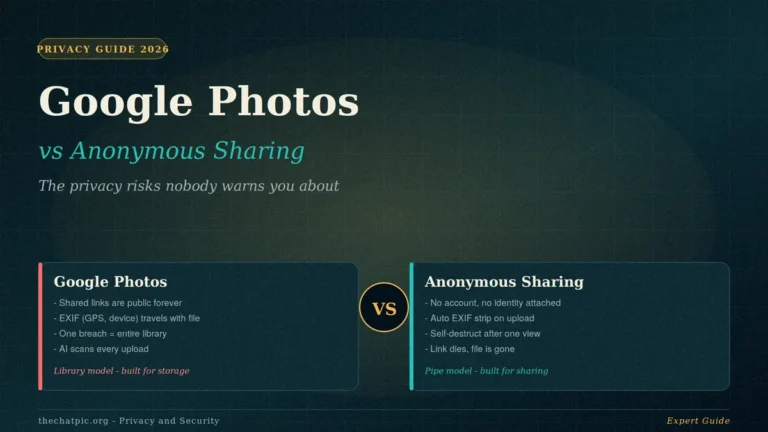
A self-destruct link tool that runs no account and no AI scanning has nothing equivalent to disclose. The same exposure pattern shows up in Google’s other consumer surface — the Google Photos vs anonymous sharing comparison covers what scanning means for an entire photo library. ChatPic, for instance, does not attach uploads to an identity, so there is no “your files” inventory for any feature to walk through.
Verdict on access: self-destruct link wins clean. Drive’s access surface is wider by design.
Default lifespan: what happens if you forget
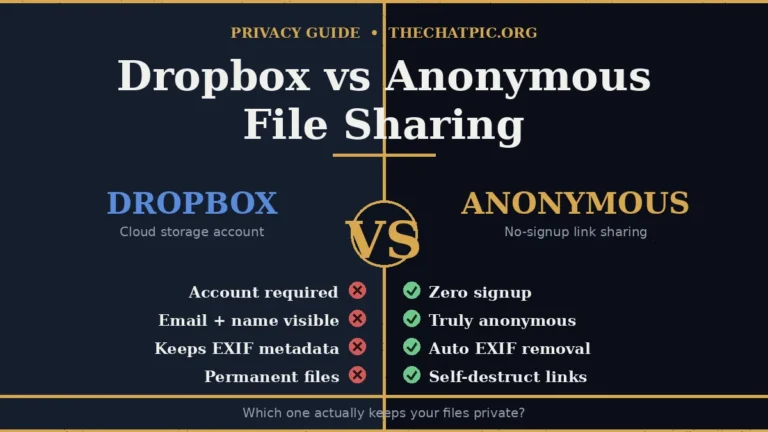
This is the quiet killer. I shared a Drive link with “anyone with the link can view,” sent it, and walked away. Six months later that file was still public. Drive does have expiring access for paid Workspace plans, but on the free tier the default is forever. The Dropbox vs anonymous file sharing breakdown shows the same permanence problem on the other major mainstream cloud.
A self-destruct link inverts the default. On ChatPic you pick at upload: 1 hour, 1 day, 1 week, or burn-after-view. Forget about it and the link still closes itself. There is no link to “still be public” three months from now because the URL has already returned a 404.
Verdict on lifespan: self-destruct link wins by an order of magnitude. The whole category is built around forgetting being safe.
Metadata: the leak you do not see
Open the properties on a smartphone photo and you will usually find latitude, longitude, the device model, and a precise timestamp embedded in the file’s EXIF block. Share that file through Google Drive and the metadata travels with it: the recipient can read your home address out of a vacation photo if they know where to look.
Privacy-first sharing tools re-encode images on upload, which strips that data as a side effect. In testing, an image I uploaded to ChatPic came down clean — no GPS, no device serial, no timestamp. The same image shared from Drive arrived with everything intact.
This single difference is enough to disqualify Drive for anything sensitive that came off a phone camera. Our privacy and security guides go deeper on why EXIF matters and how to handle it on other platforms.
Verdict on metadata: self-destruct link tools that auto-strip win outright. Drive does nothing here.
Account requirements: what the tool knows about both of you
To upload to Drive, you need a Google account, which means a phone number on file in most regions, a recovery email, and a long history of activity tied to that identity. To receive a Drive file with controlled access (“specific people only”), the recipient often needs a Google account too.
A self-destruct link tool that is genuinely anonymous needs neither. You hit the upload area, drop a file, and get a URL. The recipient opens it in any browser. Nobody signed up for anything. That gap matters when you are sharing with a source, a client who refuses to create accounts, or anyone in a region where having a Google account is a political risk.
Verdict on accounts: self-destruct link wins for anonymity. Drive wins only if you want the file tied to identifiable people.
Revocation: pulling a file back
Drive is genuinely good here, provided you remember to act. You can unshare a file, change “anyone with the link” to “restricted,” or delete the file outright. The catch: the recipient may have already downloaded it, and Drive’s “view-only with download disabled” can be defeated with a screenshot in about two seconds.
Self-destruct links revoke themselves. The cleanest model is burn-after-view: the moment the recipient opens the link, it stops working for everyone else, including anyone the recipient forwarded it to. If you forgot to share it at all, deletion is also straightforward on most tools — our guide to deleting a ChatPic upload permanently walks through the options.
Verdict on revocation: rough tie. Drive lets you change your mind manually; self-destruct links remove the need to remember.
Link reach: what happens if the URL is forwarded
A Drive link set to “anyone with the link” is a public document the moment anyone forwards it. There is no view-count ceiling, no per-recipient binding, no way to know who actually opened it.
Burn-after-view solves this without ceremony. If the link only works once, forwarding it after viewing is forwarding nothing. Expiring links narrow the window without closing it entirely — anyone who has the URL inside the window can still open the file — which is why “burn after view” should be the default for anything sensitive.
Verdict on reach: self-destruct link wins. The URL stops being a liability the moment it has done its job.
The Practical Comparison: Side-by-Side Results
After running both through the test set, here is how they shake out on the things that decide privacy.
| What I tested | Google Drive (free tier) | Self-destruct link tool |
|---|---|---|
| Account required | Yes, full Google identity | None |
| Recipient account | Often, for restricted shares | Never |
| File lifespan by default | Indefinite | Expires or burns automatically |
| Burn-after-view option | No | Yes |
| EXIF metadata removed | No | Yes (on tools that re-encode) |
| Platform can read content | Yes — server-side keys | No content tied to identity |
| AI scanning exposure | Yes — Gemini features default-on in 2025 | None |
| Forwarding protection | None — public link is public | Burn-after-view closes the door |
| Storage limit | 15 GB free, shared with Gmail and Photos | Small per-file (e.g. 5 MB on ChatPic) |
| Built for collaboration | Yes | No — point-to-point sharing only |
| Best for long-term files | Yes | No — keep your own copy |
Reading the table: Drive wins on storage volume and ongoing collaboration. The self-destruct link wins on every single thing that maps to “private sharing.”
When Each One Actually Fits
The honest answer is not “always one or the other.” It is “match the tool to the lifespan you want.”
Use Google Drive when you need a file to live somewhere stable, when multiple people are editing it, when the recipient needs to come back to it next week, or when you are running a team workflow that depends on Docs, Sheets, or Slides. Drive is also the right call for files you genuinely want as a long-term archive — wedding photos, tax records, anything you would lose sleep over losing.
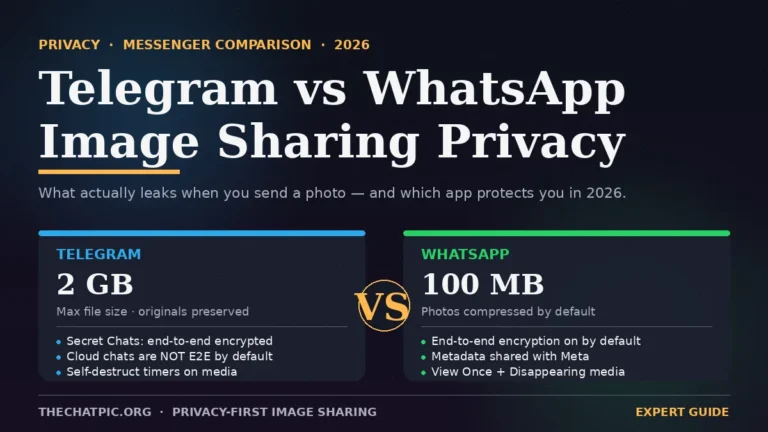
Use a self-destruct link when the file only needs to be seen once, when the recipient should not be able to forward it usefully, when you want zero permanent record, or when either of you has a reason to stay anonymous. That covers a lot of routine sharing: a one-time password, a private screenshot, a draft you want feedback on but do not want circulating, a photo to a marketplace buyer, a bug report screenshot dropped into a ticket. For images specifically, our Discord image sharing guide and Reddit posting walk-through show how the link flow slots into the platforms people actually share on.
A hybrid pattern works for most people. Long-term files in Drive, behind tight permissions. Anything sensitive, one-off, or attached to your identity through metadata goes out as a self-destruct link. The two tools were not built to compete; they are answers to different questions.
Common Mistakes and Myths (Both Sides)
A few things people consistently get wrong.
Myth 1: “Drive is encrypted, so it is private.”
Drive is encrypted, but with keys Google holds. That means Google can decrypt your files for policy enforcement, legal compliance, and the AI features the Thele lawsuit centres on. “Encrypted” is not the same as “zero-knowledge.” If you want a model where the provider cannot read your files even under court order, you need a zero-knowledge service like Proton Drive or Tresorit — not Drive.
Myth 2: “A burn-after-view link cannot be saved.”
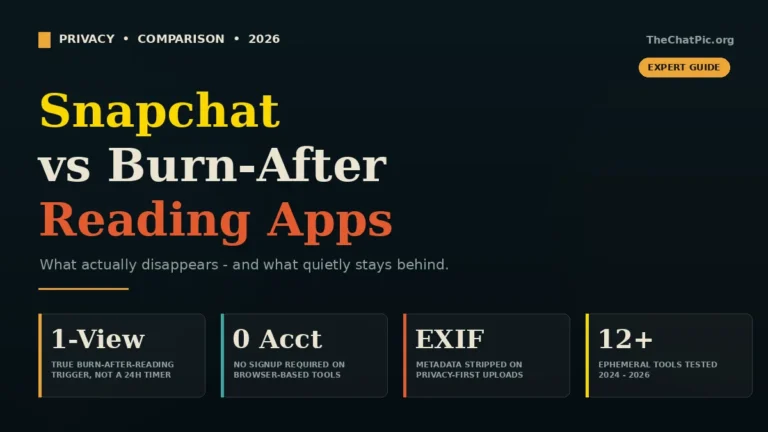
It can. The recipient can screenshot it, screen-record it, or photograph their screen with another phone. Self-destruct controls protect against the link being reused, not against a determined recipient making a copy. The same gap shows up across every ephemeral product — the Snapchat vs burn-after-reading apps guide breaks down the screenshot problem in detail. If you are sending something to someone who actively wants to leak it, no link-level control fixes that — your problem is the choice of recipient.
Myth 3: “Anonymous tools mean no one can ever trace anything.”
False. Your internet provider, employer network, or a government observer can see that you visited a site, even if the site itself collects nothing. For routine sharing that is fine. For higher-stakes work, add a network layer — our Tor and VPN upload guide covers the practical setup.
Mistake 1: Using Drive for one-time shares.
The most common pattern I see: someone uploads a screenshot to share once, drops the link into Slack, and forgets it forever. Months later, that “anyone with the link” file is one Google search away from being public. If you only need someone to see something once, do not put it in long-term storage.
Mistake 2: Using a 5 MB anonymous tool for a 200 MB video.
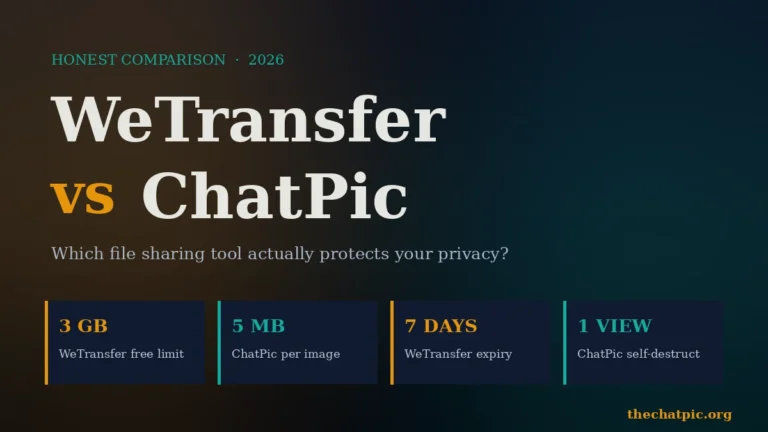
Self-destruct image tools are tuned for images. WeTransfer, Tresorit, or a properly configured Drive folder are the right call for large media. Match the tool to the file size, not just the privacy goal. The WeTransfer vs ChatPic comparison shows where each one wins — and why WeTransfer’s 2025 terms-of-service episode matters. For a head-to-head on where each kind of host fits, see ChatPic vs Imgur for 2026 and the wider comparisons hub.
Mistake 3: Treating a link as private because the URL is long.
A random-looking URL is not a password. Anyone with the link can open the file until the link stops working. The defence is not URL length — it is expiry, burn-after-view, and sending the link through an encrypted channel like Signal.
Frequently Asked Questions
Is Google Drive actually private if I never share anything?
Files you never share are still readable by Google’s systems and, since October 2025, potentially by Gemini features that were enabled by default for Workspace and consumer services. “Private to you and Google” is the accurate description. If you want files no one but you can decrypt, choose a zero-knowledge host instead of Drive.
What is a self-destruct link, exactly?
A self-destruct link is a shareable URL that stops working after a rule you set — usually after one view (burn-after-view) or after a chosen time window like an hour, a day, or a week. Once the rule fires, the URL returns nothing, even to people who already have it. The file is treated as temporary by design.
Can a self-destruct link be recovered after it expires?
On most genuinely ephemeral tools, no. The file is purged when the rule fires, and there is no “trash” to restore it from. That is the point of the model, and it is why you should always keep your own copy of anything you upload. Self-destruct sharing is for sending, not for backup.
Is self-destruct sharing legal?
Yes, in most countries. Ephemeral file sharing is a normal feature of mainstream privacy tools, encrypted messengers, and email clients. What matters legally is the content of what you share, not the disappearing-link mechanic. Our country-by-country reference covers the specifics for image sharing.
Does Google Drive remove EXIF metadata from photos?
No. Drive stores the file you uploaded, including embedded EXIF data such as GPS coordinates, device model, and timestamps. Anyone who downloads the original gets the metadata too. If you need the data stripped, use a tool that re-encodes on upload, or remove EXIF yourself before sharing.
Are anonymous self-destruct tools safe to use?
Reputable ones are. Look for a clear privacy policy, a real contact route, no surprise pop-ups, and no requests for personal information. Avoid unofficial mirror or clone sites of shut-down services — they are often unmoderated and sometimes outright malicious. If a tool is not behaving as advertised, our troubleshooting guide covers the common failure modes.
Can I use both Google Drive and self-destruct links together?
Yes, and most people should. Use Drive for files you need to keep, edit, and share with named collaborators. Use self-destruct links for anything one-off, sensitive, or anonymous. The two tools answer different questions; using both is how you cover both ends.
Conclusion: Pick the Lifespan, Then Pick the Tool
The Google Drive vs self-destruct links question is really a question about time. If the file should outlive the conversation, Drive — or a more privacy-respecting cloud host — is the right home. If the file should die with the conversation, a self-destruct link is the only honest answer.
In 2026, with AI features pulling closer to the contents of every cloud storage account, the default of “leave it sitting there forever” is no longer free. It costs you exposure you cannot see and cannot easily undo. Ephemeral sharing flips that default. The file does its job and gets out of the way.
Your action step: look at the last five things you shared. If any of them are still live as a Drive link, ask whether they need to be. The next time one of those situations comes up, send a self-destruct link instead. You can try it right now on thechatpic.org — no account, no setup, just drop the image and pick “self-destruct after view.”