Dropbox vs Anonymous File Sharing: Expert 2026 Guide
You picked Dropbox because everyone uses it. Then you sent a link and noticed your full name sitting at the top of the share page — visible to anyone who opens it.
That moment is why the Dropbox vs anonymous file sharing debate matters in 2026. Mainstream cloud storage was built for collaboration inside teams, not for private one-off sends to strangers. Anonymous tools were built for the opposite job.
This guide breaks down how each model actually works, what gets leaked in a typical Dropbox share, where anonymous tools win and lose, and which one fits each real use case — from journalist tips to a quick screenshot for a Reddit thread.
What Anonymous File Sharing Actually Means
Anonymous file sharing is the practice of sending a file through a link without an account, an email address, or any personal identifier attached to either the upload or the recipient view. The provider stores the file briefly, generates a short URL, and — in good implementations — strips hidden metadata before anyone else can download it.
There is a stricter and a looser version of the term. The looser one means “no account is required to upload.” WeTransfer fits there for files under a size cap. The stricter one means “no identifier is collected, no profile is built, and the link itself is engineered to expire.” That is the territory of tools like ChatPic, OnionShare, and a handful of privacy-first hosts.
A few mechanics show up across the serious tools:
- No signup or login at any point in the flow.
- Automatic EXIF / metadata removal on upload (GPS, device model, timestamp).
- Expiring links — typically minutes, hours, or one view.
- Client-side compression so the file travels light and fast.
- A clear takedown route so the tool can stay legal without breaking the privacy promise.
The point is not secrecy for its own sake. It is data minimisation — the principle, recommended by the Electronic Frontier Foundation and the OECD’s privacy guidelines, that a service should collect the least information it can to do the job.
How Dropbox Handles Privacy (And Where Anonymous Tools Diverge)
Dropbox is excellent at what it was designed for: keeping a synced folder of your files across devices, sharing them inside a team, and letting you collaborate on documents over months and years. Privacy from the recipient is not part of that brief, and it shows.
The Account Is the Product
Every Dropbox file lives under a named account. Dropbox Basic offers 2 GB of starting storage space for free, but you still create the account with an email, a name, and a password. When you share a file or folder, that identity travels with the share page.
A 2024 walkthrough by MultCloud confirmed the point bluntly: “No matter which method you use, your Dropbox user name will be shown on the sharing page, even the Dropbox email address.” That is the opposite of anonymous.
Encryption Exists, But Dropbox Holds the Keys
Dropbox does encrypt your data. Files at rest are encrypted using 256-bit AES, and data in transit is secured with SSL/TLS encryption. While Dropbox supports two-factor authentication (2FA), it does not provide end-to-end encryption by default – the encryption keys are managed by Dropbox.
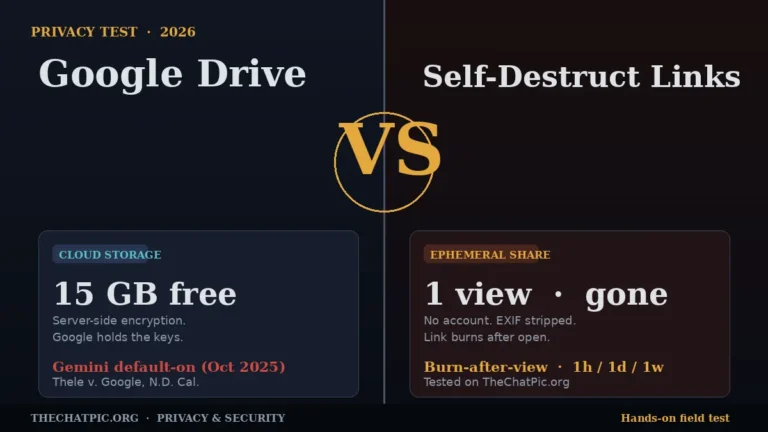
Server-side encryption protects against most attackers. It does not protect against Dropbox itself, anyone with lawful access to Dropbox’s infrastructure, or a subpoena. The same model applies on Google’s side — the Google Drive vs self-destruct links privacy test walks through the Thele v. Google lawsuit and what server-held keys mean in practice. For most users this is fine. For a whistleblower, a source, or anyone uploading something they cannot afford to have linked back to them, “fine” is not the right standard.
No EXIF Stripping, No Link Burning
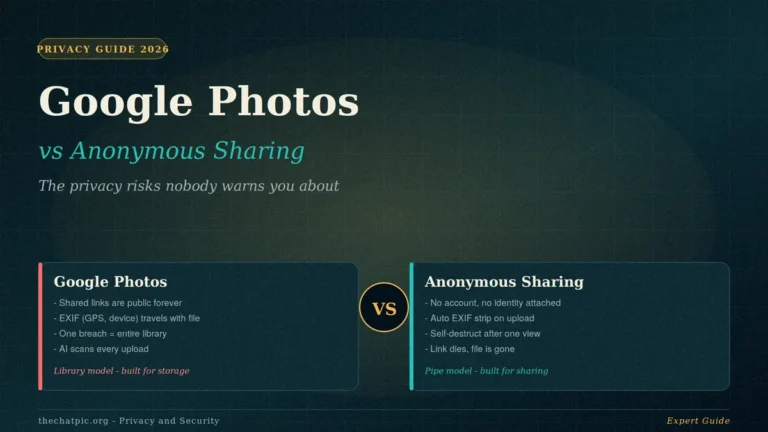
Upload a photo to a Dropbox share folder and the file lands with all its EXIF data intact — the GPS coordinates of the room you took it in, the phone model, the exact timestamp. The same blind spot shows up on every major consumer cloud — the Google Photos vs anonymous sharing breakdown covers what travels with your shared file. ChatPic and similar anonymous tools re-encode the file on the way in and strip that automatically. Dropbox does not.
Dropbox links also do not self-destruct after a single view. You can revoke a link, set an expiration on paid plans, or password-protect it, but the default behaviour is the link works until you remember to turn it off — which, in my testing across freelance teams, is almost never.
Dropbox vs Anonymous File Sharing: 8 Differences That Matter
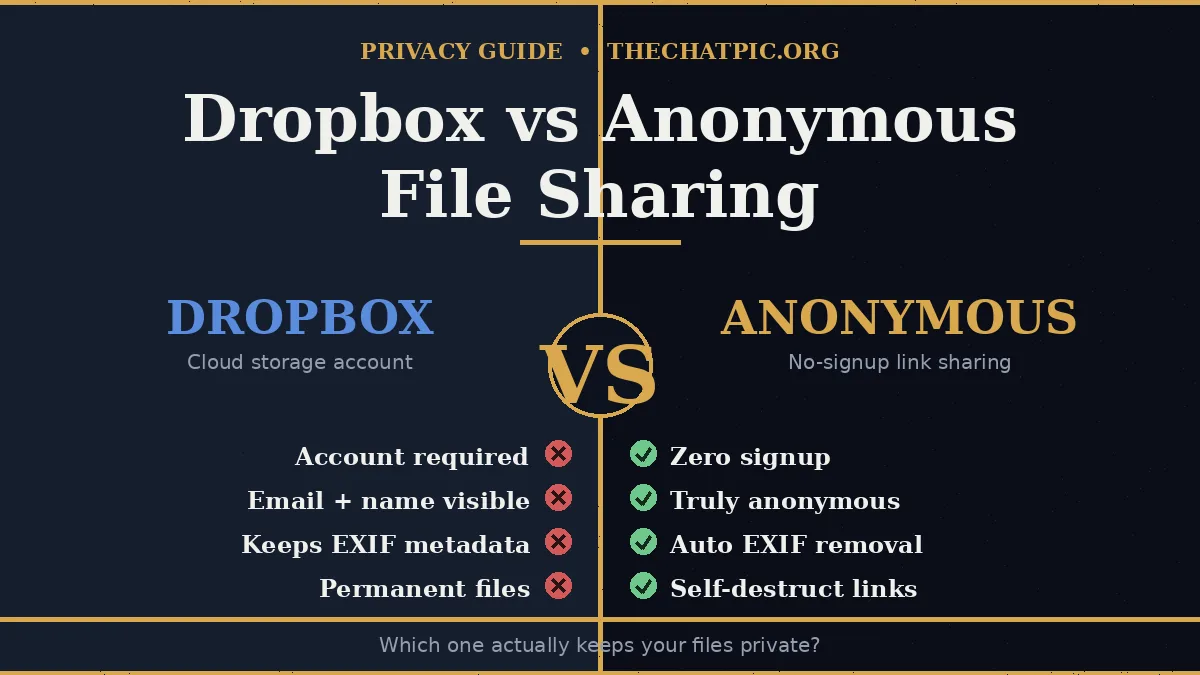
The short version is in the table below. The longer version is that you are not really comparing two products — you are comparing two philosophies of what an upload is for.
| Feature | Dropbox (Basic) | Anonymous File Sharing (e.g. ChatPic) |
|---|---|---|
| Account required | Yes (email + name + password) | No |
| Recipient sees uploader identity | Yes (name, often email) | No |
| Free storage | 2 GB | Per-file only (no storage account) |
| Max file size | 50 GB per file on all plans | Typically 5 MB – 100 MB per file |
| Auto EXIF / metadata removal | No | Yes |
| Self-destruct after one view | No | Yes |
| Default link expiry | None (manual revoke) | Built-in (1 hr / 1 day / 1 week / never) |
| End-to-end encryption (default) | No | Varies by tool; client-side strip is core |
| Best for long-term storage | Yes | No |
| Best for one-off private sends | No | Yes |
A few of those rows deserve a closer look.
1. The Identity Leak
The biggest difference is not technical, it is social. Your Dropbox share page brands the upload with you. An anonymous link does not. If the recipient is a stranger, a client you would rather keep at arm’s length, a forum, or a tip line, that brand is exactly what you do not want.
2. Permanence vs Ephemerality
Dropbox files persist until you delete them. Basic/Plus: 30 days in trash. Professional/Business: 180 days. After this period, files are permanently deleted. Anonymous sharing flips the default — files are temporary unless you explicitly opt into “never expire.” That alignment matters. If you forget about a one-off link, the ephemeral tool quietly closes it; Dropbox does not.
3. Storage Quota vs Per-Send Limit
Dropbox gives you a pool — 2 GB of free storage space on Basic — that everything in your account shares. Anonymous tools do not give you storage at all; they give you a transit window. Different jobs.
4. Search Engines and Bots
A leaked or pasted Dropbox link tied to your account can be scraped, indexed, and associated with your name forever. An anonymous link that expires in an hour, even if scraped, points to nothing within minutes. Cleanup is automatic.
5. Compliance and Regulated Data
Dropbox offers business plans with HIPAA / SOC 2 / ISO 27001 compliance. Anonymous tools generally do not — and you should not use them for protected health information, payment-card data, or privileged legal documents. That is a real Dropbox win, and it is the right answer for that narrow set of needs.
When to Use Dropbox vs an Anonymous File Sharing Tool
After auditing how clients, freelancers, and a few journalist friends actually share files, the split is cleaner than the marketing makes it sound.
Use Dropbox (or a Mainstream Cloud) When:
- You need a synced folder across your own devices. That is Dropbox’s home turf.
- You are collaborating inside a known team over weeks or months on the same files.
- You are sending files larger than 100 MB to someone who is happy to wait, click through a share page, and possibly create an account.
- You handle regulated data (HIPAA, GDPR Article 9 categories, payment cards) and need a documented compliance posture.
- You want full version history and the ability to roll back changes.
Use an Anonymous File Sharing Tool When:
- You are sending a screenshot, image, or small document to a stranger. A Reddit thread, a Discord server, a marketplace buyer, a forum.
- You do not want the recipient to learn your real name from the share page.
- The file is a one-off — a design proof, a quote, an evidence photo, a meme — that should not still be live next month.
- You are sharing on a phone and do not want to install an app or log into a dashboard.
- The image carries hidden EXIF data (GPS, device fingerprint) you would rather strip before it leaves your hands.
- You are uploading from a public or borrowed device and do not want to leave a session cookie behind.
For that second group, ChatPic is built end-to-end around the workflow — drop a file, get a link, walk away, with auto EXIF removal and a self-destruct option baked in. For more dangerous threat models, layer Tor or a VPN on top, as covered in our maximum-privacy upload guide.
A practical hybrid I recommend to most freelancers: keep Dropbox as your archive and team workspace, and use an anonymous tool for every external one-off send. It costs nothing, takes ten seconds longer, and removes a category of mistakes that quietly compound over a career.
Common Mistakes and Myths
The “Dropbox vs anonymous file sharing” comparison gets distorted by a handful of confident-sounding claims that fall apart on contact.
Myth 1: “A Dropbox Link Is Private If You Do Not Post It.”
A link is only as private as the channel you paste it into. Email forwarding, screen captures, browser history sync, and corporate DLP scanners all expose links you assumed were quiet. Treat any persistent link as potentially public.
Myth 2: “Anonymous Means Untraceable.”
It does not. ExpressVPN’s 2026 explainer puts it plainly: In some cases, under applicable law, these platforms may be subject to data requests from governments or third parties, meaning your information could be accessed without your knowledge. An anonymous tool collects less, but your ISP, employer network, or a passive observer can still see that you visited the site. Anonymity is a stack, not a single tool.
Myth 3: “I Can Just Hide My Dropbox Name.”
There are old proxy services (Dropproxy and similar) that strip the username from a public-folder link. They are brittle, depend on a third party, and as one 2024 TechNorms review noted, if you’re truly looking to protect your privacy, you shouldn’t need to give away your username to the service trying to do it for you. Using a tool that never asked is cleaner than patching one that did.
Mistake 1: Using a Free Cloud as a Public Drop Box
Free 2 GB fills fast. Dropbox gives you 2 GB of free cloud storage, and the moment a folder pushes you over, syncing and sharing stop working. Anonymous tools do not have this failure mode because there is no account to overflow.
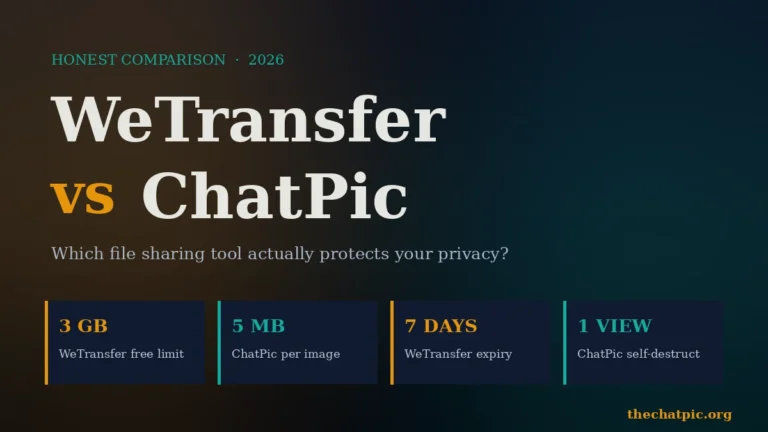
For purely one-time large transfers where Dropbox feels like overkill, the WeTransfer vs ChatPic comparison covers a lighter alternative.
Mistake 2: Trusting Mirror or Clone Sites
After the original chatpic.org shut down in late 2023, copycat domains appeared promising the “real” experience. Many were unmoderated, ad-laden, or carried tracking pop-ups. The same caution applies to “anonymous Dropbox” clones. Stick to tools with a published privacy policy, a real contact route, and no surprise downloads.
Mistake 3: Treating Anonymous Tools as Backup
They are not. Free, privacy-focused hosts are for sharing, not for storage. Keep your own copy of anything you want to keep, and let the link die when its job is done.
Dropbox vs Anonymous File Sharing: FAQs
Is Dropbox truly anonymous?
No. Dropbox requires an account with your name and email, and that identity appears on the share page when you send a file. You can mask it with third-party proxies, but the account itself is never anonymous. Use an anonymous file sharing tool instead if hiding your identity from the recipient is the goal.
Can I share Dropbox files without showing my name?
Not natively. Workarounds exist — creating a burner Dropbox account, using a proxy service, or pasting a public-folder link through an intermediary — but none are clean. The simplest fix is to send the file through a no-signup tool that was designed for the job.
Is anonymous file sharing legal in the United States?
Yes. Sending files anonymously is lawful in the US and most countries. What you send is what determines legality. Copyright infringement, non-consensual imagery, and prohibited content are illegal regardless of the platform. Our country-by-country legal reference covers the details.
Are anonymous file sharing tools safer than Dropbox?
They are safer for the specific job of hiding your identity from a recipient and avoiding a permanent paper trail. They are not safer for storing regulated data, large media archives, or anything your team needs to collaborate on long-term. Pick the tool by job, not by brand.
Does Dropbox strip EXIF data from photos?
No. Dropbox stores and serves images with their original metadata intact, including GPS coordinates and device information. If you need EXIF stripped before sharing, do it manually or use an anonymous image sharing tool that re-encodes the file and removes metadata automatically.
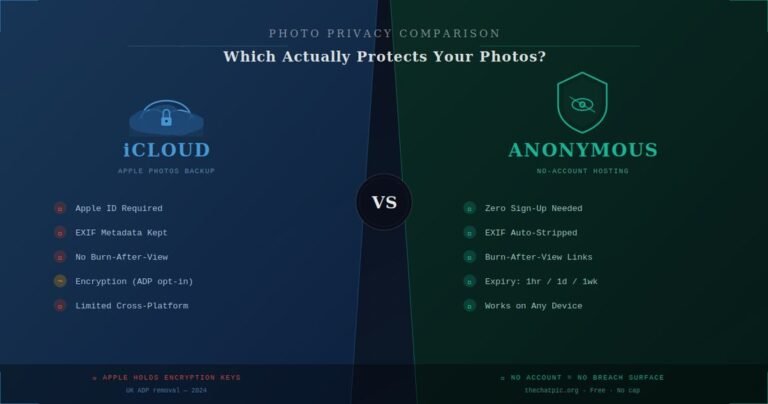
The same applies inside Apple’s own ecosystem — the iCloud vs anonymous photo hosting guide covers EXIF behaviour when you share via iCloud.
What is the largest file you can share anonymously?
It depends on the tool. ChatPic supports up to 5 MB per image, which suits screenshots, photos, and documents. Other anonymous services handle 100 MB to several GB. For multi-gigabyte transfers, a temporary transfer service or Dropbox itself is usually the right fit.
Should I use a VPN with anonymous file sharing?
For everyday sharing, no — a no-signup tool is enough. For high-stakes situations like sourcing, whistleblowing, or sharing in restrictive networks, layer a VPN or Tor on top so the network path cannot be linked back to you either. Our Tor and VPN upload guide walks through the setup.
Is ChatPic a better Dropbox alternative for quick shares?
For one-off, private, no-account image shares — yes. ChatPic is purpose-built for that workflow with EXIF stripping, expiring links, and burn-after-view, none of which Dropbox offers out of the box. For long-term storage and team collaboration, Dropbox remains the better tool. We cover the broader landscape in our comparisons hub.
The Bottom Line
Dropbox vs anonymous file sharing is not a fight — it is a fork in the road, and the right answer depends on the job. Dropbox is the right answer for synced storage, team collaboration, regulated data, and very large files. An anonymous tool is the right answer for fast, private, one-off sends where your name has no business being on the share page.
The mistake most people make is using the first for the second. Pick the tool that matches the job, treat persistent links as eventually public, and default to ephemerality whenever the recipient does not need to know who you are.
If you have an image to share right now and want it gone in an hour with no account in the way, open ChatPic, drop your file, and the link is ready before you finish reading this sentence.