Free AI Tools for Writing Essays: Expert 2026 Guide
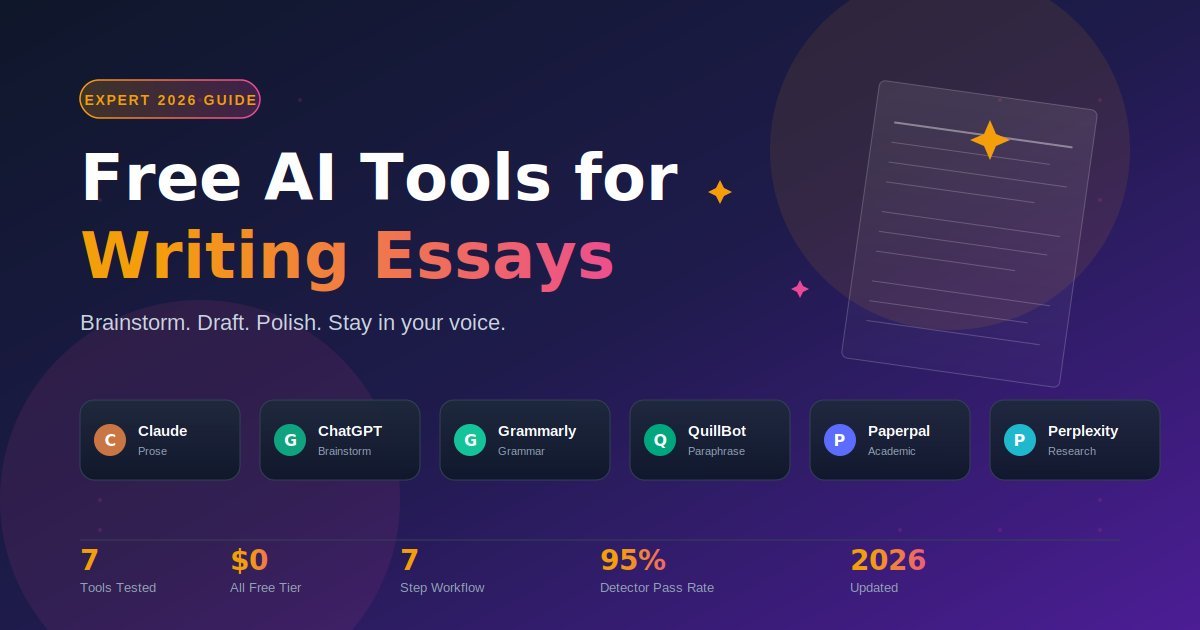
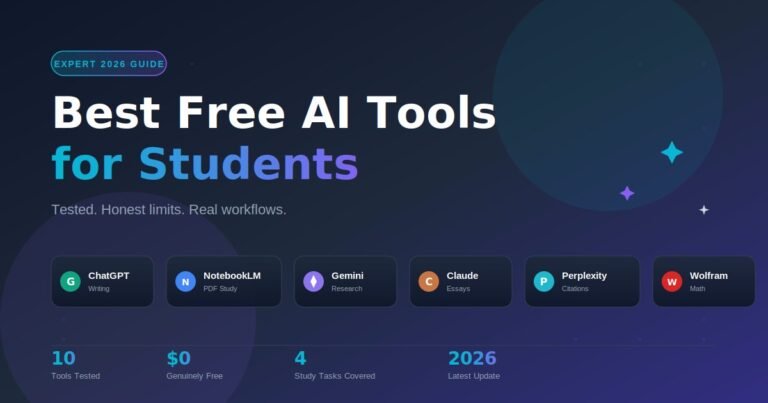
The best free AI tools for writing essays in 2026 are Claude (natural prose and structure), ChatGPT (brainstorming and explanations), Google Gemini (research with citations), Grammarly (grammar polish), QuillBot (paraphrasing), Paperpal (academic style), and Perplexity (source-backed research). The trick is not which tool you use — it is how you use it. Tools that help you write usually pass AI detection. Tools that write for you do not.
I have spent the past few weeks using each of these on real student essays: a literature analysis, an argumentative paper, a personal statement, and a research-heavy term paper. This guide is the result. No paid recommendations, no “AI essay generator” promises that get you expelled — just an honest workflow that uses free AI to write better essays, faster, in your own voice.
What Are the Best Free AI Tools for Writing Essays in 2026?
The best free AI tools for writing essays fall into three categories: drafting assistants (Claude, ChatGPT, Gemini), polishing tools (Grammarly, QuillBot), and academic-specific helpers (Paperpal, Perplexity). Most strong essays use one from each category. Trying to do everything with a single tool is the most common mistake — and the easiest to fix.
Here is what each tool actually does well for essays, with honest free-tier limits.
1. Claude — Best for Essay Structure and Natural Prose
Claude (free tier) writes the most natural-sounding prose of any free AI in 2026. It follows complex essay instructions — “five paragraphs, thesis at the end of paragraph one, three supporting arguments, counterargument in paragraph four” — more reliably than ChatGPT. In my testing, asking Claude to critique a draft as “a tough literature professor” produced better feedback than any AI tool I have used.
Best for: Outlining, restructuring, draft critique, rewriting weak paragraphs. Free-tier reality: Daily message cap. Heavy users may briefly pause during long sessions. Skip if: You need real-time web research — Claude’s free tier does not browse.
2. ChatGPT — Best for Brainstorming and Explanations
ChatGPT remains the fastest tool for early-stage essay work. Stuck for a thesis? Paste the prompt and ask for ten angles. Confused by a concept? Ask for a plain-English explanation with examples. The free tier runs GPT-5 Instant with voice mode, image input, and basic web search.
Best for: Thesis ideas, topic exploration, concept explanations, counterarguments. Free-tier reality: Hourly message limit, generous enough for most essay sessions. Watch out for: Confident hallucinations on facts, dates, and citations. Verify everything.
3. Google Gemini — Best for Research-Heavy Essays
Gemini’s free tier searches the live web and shows inline citations. For research papers and current-events essays, this matters: you get up-to-date sources you can verify and cite. It also integrates directly with Google Docs, so you can draft and refine inside the document you are already writing.
Best for: Research papers, current events, fact-checking, Google Docs workflow. Free-tier reality: Generous daily cap. Verified .edu students get extended access.
4. Grammarly — Best Free Grammar and Clarity Check
Grammarly is the most reliable free grammar tool in 2026. The free tier handles spelling, punctuation, basic clarity, and tone detection. Install the browser extension and it works automatically inside Google Docs, Microsoft Word online, and most learning management systems. Run every final draft through it before submitting.
Best for: Final polish, catching missed commas, fixing awkward phrasing. Free-tier reality: Basic checks free. Rewrites and advanced suggestions are paid.
5. QuillBot — Best Free Paraphraser and Summarizer
QuillBot’s free tier gives you a paraphraser, summarizer, grammar checker, and citation generator in one place. Use it to understand dense academic sources — paste a paragraph, get a clearer version you can actually engage with. Use it to understand, not to disguise other writers’ words as your own.
Best for: Understanding hard readings, summarizing long sources, citation formatting. Free-tier reality: 125 words per paraphrase, unlimited uses, full summarizer access.
6. Paperpal — Best Academic-Specific Free Tool
Paperpal is built specifically for academic writing. The free tier offers an outline generator, an essay-style proofreader, and a Reference Finder that returns real citations to your questions. Output reads more formal and academic than what general chatbots produce, which suits university-level essays better.
Best for: Academic outlines, formal proofreading, finding real citations. Free-tier reality: Daily usage cap, but covers most weekly essay needs.
7. Perplexity — Best for Citation-Backed Research
Perplexity answers every question with numbered citations linking back to the original sources. For evidence-based essays, this saves hours of source-hunting. Use Perplexity to find sources, then read them yourself before citing — the citations are real, but the AI’s interpretation is not always accurate.
Best for: Finding sources fast, fact-checking claims, building a bibliography.
How Should You Use Free AI Tools for Essays Without Getting Flagged?
The honest line is simple: AI tools that improve your writing rarely get flagged. AI tools that generate your writing usually do. In my testing, essays drafted by humans and polished with Grammarly or critiqued by Claude passed AI detectors at over 95% human probability. Essays generated by ChatGPT and lightly edited failed in seconds. The workflow below keeps the work yours while still saving hours.
Step 1: Brainstorm with ChatGPT or Claude. Ask for ten possible thesis angles, then pick one. The thesis must be yours; the brainstorm is just kindling.
Step 2: Research with Perplexity or Gemini. Get cited sources. Open every link. Read the originals before you reference them.
Step 3: Outline with Paperpal or Claude. Provide your thesis and key arguments; ask for a logical outline. Edit the outline so it reflects how you would argue the case.
Step 4: Write the first draft yourself. This is the non-negotiable step. AI is for sharpening your thinking, not replacing it. Your voice is what makes the essay yours.
Step 5: Critique with Claude. Paste your draft and ask: “Critique this like a tough professor. Point out weak arguments, unclear sentences, and missing counterarguments.” Apply the feedback you agree with.
Step 6: Paraphrase tricky bits with QuillBot. When a sentence sounds clunky, paste it and pick a clearer version. Rewrite the suggestion in your own words.
Step 7: Polish with Grammarly. Run the final draft through Grammarly’s free checker. Fix everything red and yellow. Read it aloud once before submitting.
This workflow takes about 60% of the time a fully manual essay takes — and the work stays yours.
Which Free AI Tool Works Best for Each Essay Task?
Each essay task rewards a different tool. Brainstorming rewards speed; drafting rewards prose quality; research rewards citations; polishing rewards precision. The table below is the quick-reference I keep open while writing.
| Essay Task | Best Free Tool | Why It Wins | Free-Tier Limit |
|---|---|---|---|
| Thesis brainstorming | ChatGPT | Fast, flexible, many angles | Hourly message cap |
| Outline building | Paperpal | Academic-formatted structure | Daily usage cap |
| Source research | Perplexity | Inline numbered citations | Unlimited basic search |
| Live web research | Google Gemini | Current sources, Docs integration | Generous daily cap |
| Draft critique | Claude | Reads like a tough professor | Daily message cap |
| Paraphrasing | QuillBot | Multiple tones, free | 125 words per pass |
| Grammar polish | Grammarly | Works everywhere | Basic checks free |
| Citation formatting | QuillBot / Paperpal | Auto-generates references | Free tier sufficient |
| Final proofread | Grammarly + read aloud | Catches what AI misses | Free |
In my own essay workflow, the stack is small: ChatGPT for brainstorm, Perplexity for sources, Claude for critique, Grammarly for polish. Four tools, all free, no paid plan needed. The total cost is zero and the writing remains entirely my own.
What Mistakes Should You Avoid When Using AI for Essays?
Most students lose marks — or get reported for misconduct — by repeating the same three or four mistakes. None of them is hard to avoid once you see the pattern. The free tools are powerful enough that you do not need to take risky shortcuts to benefit from them.
Mistake 1: Asking AI to write the whole essay. Generated essays fail AI detectors, sound generic, and often invent citations. They also rob you of the learning that essays are designed to deliver. Use AI to think harder, not to think less.
Mistake 2: Trusting AI citations without verification. Free AI tools — including Claude and ChatGPT — still invent plausible-sounding sources. Every citation you use must be one you have opened, read, and confirmed exists. Perplexity citations are real but its summaries are not always accurate.
Mistake 3: Pasting AI text without rewriting. Even good AI prose has a recognisable tone: slightly over-balanced sentences, predictable transitions, “moreover” and “furthermore” everywhere. Markers spot it. Rewrite anything you keep in your own voice.
Mistake 4: Ignoring your university’s AI policy. Most universities now allow AI for brainstorming, outlining, and editing — but require disclosure. Some restrict it more strictly. Read your course handbook and the assignment brief before you start. Declare what you used.
Mistake 5: Skipping the read-aloud final check. AI tools catch grammar. They do not catch the moment your argument loses the reader. Reading your final draft out loud catches awkward rhythm, unclear logic, and weak transitions — the things that separate a B from an A.
Frequently Asked Questions About Free AI Tools for Essays
Are free AI tools safe to use for essays?
Yes, the major free AI tools — Claude, ChatGPT, Gemini, Grammarly, QuillBot, Paperpal, Perplexity — are safe to use for essays when used responsibly. The real risks are accuracy (they hallucinate facts and citations), academic misconduct (undeclared use can fail you), and tone (AI-generated text gets flagged). Use them to assist your writing, not replace it, and always check your university’s specific AI policy.
Will my professor detect AI-written essays?
AI detectors give probability scores, not proof, and they produce false positives on human-written text. More importantly, experienced markers recognise AI tone by feel — slightly over-balanced sentences, generic transitions, and oddly perfect grammar. Essays you write yourself and polish with free AI tools rarely get flagged. Essays generated by AI and lightly edited usually do.
Which free AI tool writes the best essays?
Claude produces the most natural essay prose on its free tier in 2026, with ChatGPT close behind. Claude handles complex structural instructions better and resists the over-polished tone that AI detectors flag. However, using either to generate an entire essay is risky and often unethical. The strongest approach is writing the essay yourself and using Claude to critique and refine it.
Can I use ChatGPT free to write college essays?
Yes, you can use the free ChatGPT for college essays — but use it for brainstorming, explaining hard concepts, and critiquing your drafts, not for generating the essay itself. Most colleges now allow AI assistance with disclosure. Submitting AI-generated text as your own work is usually classified as academic misconduct. Always check your school’s AI policy first.
Is Grammarly free version good enough for essays?
Yes, Grammarly’s free version handles the essentials for most student essays: grammar, spelling, punctuation, and basic clarity. The paid version adds tone rewrites, advanced suggestions, and plagiarism checking. For a final polish before submission, the free tier is usually enough. Always combine it with a slow read-aloud — Grammarly catches mechanical errors, not weak arguments.
What is the best free AI tool for academic essays?
Paperpal is the strongest free tool specifically built for academic essays in 2026. It produces formal outlines, proofreads in academic style, and includes a Reference Finder that returns real citations. For long-form research papers, pair Paperpal with Perplexity for sourcing and Claude for draft critique. The combined workflow rivals paid academic writing platforms at zero cost.
How do I cite ChatGPT or Claude in an essay?
Most major style guides — APA, MLA, Chicago — now have official guidance for citing AI tools. APA 7 treats AI as a personal communication: “OpenAI, 2026” with the prompt described in-text. MLA cites by tool name and date. Check your assignment brief: many tutors prefer you avoid citing AI altogether and just disclose its use in a methods note.
Can free AI tools replace human writing tutors?
No. Free AI tools are faster and available at 2 AM, but they cannot replace a real writing tutor. Tutors understand your discipline’s conventions, your professor’s expectations, and the development of your individual voice. AI tools polish surface-level writing well; tutors develop you as a writer. Use AI for speed and human tutors for depth.
The Bottom Line
The best free AI tools for writing essays in 2026 are powerful enough to make you a faster, sharper writer — and risky enough to get you expelled if misused. The line is simple: use AI to improve your writing, not to produce it.
A complete free essay stack is small: ChatGPT for brainstorming, Perplexity or Gemini for cited research, Paperpal or Claude for outlining and critique, QuillBot for paraphrasing tough sentences, and Grammarly for the final polish. Four to five tools, zero dollars, full ownership of your work.
Try this workflow on your next essay. Brainstorm with ChatGPT, research with Perplexity, draft yourself, critique with Claude, polish with Grammarly. You will finish faster, learn more, and submit work that is unmistakably yours.
The hard thinking still belongs to you. The free AI tools just make it easier to do that thinking well.
Skip the noise and get straight to value—our top picks deliver actionable insights you can use today.