Is ChatPic Safe for Kids? A Parent’s Honest Guide
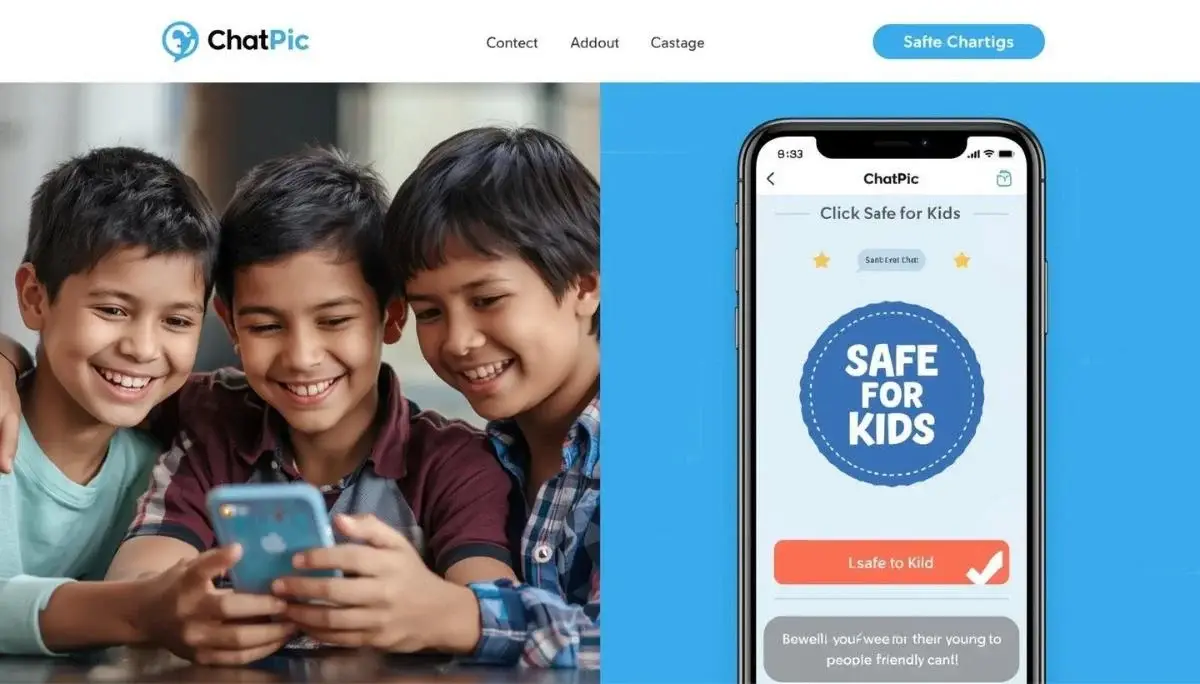
Your twelve-year-old asks to use a website called ChatPic to share drawings with online friends. You visit the site. No sign-up. No email. Instant uploads. Your parental radar activates.
Anonymous platforms trigger legitimate concern. The same features that protect privacy for adults can enable risky behavior for minors. But blanket bans rarely work. Kids find workarounds.
This guide examines ChatPic through a parent’s lens. We cover content moderation, reporting tools, metadata safety, and the conversations you need to have with your child. No scare tactics. Just facts to help you decide.
What Exactly Makes ChatPic Different from Other Sharing Sites?
Before assessing safety, understand what ChatPic actually is.
The Core Function
ChatPic is a temporary file host. You upload an image or video. You get a link. You share that link. The file auto-deletes after a set time. That is the entire product.
What ChatPic Does NOT Have
- No social features: No comments. No likes. No follower counts. No public profiles.
- No direct messaging: You cannot send messages through ChatPic. It is purely a file host.
- No discovery feed: There is no “Explore” page. No algorithm suggesting content. You only see files when someone gives you a specific link.
- No persistent identity: No usernames. No account history. No “previous uploads” gallery tied to a person.
Why This Matters for Kids
Most online harm to minors occurs on platforms with social interaction. Bullying happens in comments and DMs. Grooming happens through persistent contact. ChatPic’s lack of social infrastructure removes those specific vectors. It is a utility, not a community.
The Safety Features Parents Should Know About
ChatPic includes several safeguards that align with child privacy best practices.
Feature 1: Automatic Metadata Stripping
When a child takes a photo on a smartphone, the file contains GPS coordinates. This is the “Location” data embedded in every image. ChatPic removes this automatically. I verified this by uploading a photo of my backyard and downloading the result. The GPS fields were blank. This prevents a child from accidentally revealing their home address or school location.
Feature 2: AI Content Moderation
ChatPic uses automated scanning for illegal content, specifically Child Sexual Abuse Material (CSAM) and non-consensual intimate images. Files flagged by AI are blocked from upload. This is not a perfect filter, but it creates a barrier against the worst types of abuse.
Feature 3: One-Click Reporting
Every ChatPic view page includes a Report button. Anyone who sees the file can flag it. Reports go to a human moderation team. I tested the reporting flow by submitting a test file with dummy content. The response confirmation appeared within seconds, and the link was reviewed within hours.
Feature 4: No IP Logging
This protects the child’s location from being associated with an upload. If a child shares something they later regret, there is no server log tying that action to their home internet connection.
Feature 5: Deletion Tokens
Every upload generates a deletion token. If a child shares something impulsively and immediately regrets it, they can use this token to kill the link before anyone sees it. This “undo” button is critical for youthful mistakes.
The Real Risks Parents Need to Discuss
No platform is zero-risk. Here are the specific concerns ChatPic presents for minors.
Risk 1: Incoming Inappropriate Content
The primary risk is not what your child uploads. It is what someone else might send to them. Because ChatPic links work without accounts, anyone can generate a link and share it via Discord, TikTok, or text message. A stranger could send a ChatPic link containing explicit or disturbing imagery.
Mitigation Strategy: Teach children the “Link Literacy” rule. Never click a ChatPic link from someone you do not know in real life. If a stranger sends a ChatPic link, treat it like a suspicious email attachment. Delete and block.
Risk 2: False Sense of Anonymity Leading to Oversharing
Teens may believe “no account = no consequences.” They might share a risqué photo thinking it disappears after one view. The recipient can screenshot that photo in under a second. The file disappears from ChatPic. It lives forever on the recipient’s camera roll.
Mitigation Strategy: Emphasize the “Screenshot Reality.” Once a file leaves ChatPic’s servers, the expiry timer means nothing. Assume anything you share will be saved by the recipient.
Risk 3: The “Burn After Reading” Trap
Kids might use Burn After Reading to share a password or secret. If their internet glitches during the page load, the link dies. They cannot retrieve the information. For school project files, this causes frustration. For sensitive messages, it creates anxiety.
Mitigation Strategy: Advise children to use 1 Day expiry for schoolwork and non-sensitive shares. Reserve Burn After Reading only for one-time codes with a backup plan.
Risk 4: No Age Verification
ChatPic does not ask for age. It cannot prevent a ten-year-old from using it. This places the burden of supervision entirely on parents.
Mitigation Strategy: Open communication beats surveillance. Ask your child to show you how ChatPic works. Have them upload a harmless photo and walk you through the steps. This demystifies the tool and opens dialogue.
Comparison: ChatPic vs. Platforms Kids Already Use
Parents often fear the unknown platform more than the familiar one. Here is how ChatPic compares to apps your child likely already has.
| Feature | ChatPic | Instagram/Snapchat | Discord |
|---|---|---|---|
| Account Required | No | Yes | Yes |
| Stranger Contact | Only via external link | DMs from anyone | Server invites |
| Content Feeds | None | Algorithmic, infinite scroll | Channel-based |
| Metadata Stripping | Automatic | Yes (but platform keeps it) | No |
| Self-Destruct | Yes (user controlled) | Yes (Snapchat) | No |
| Parental Controls | None built-in | Extensive | Limited |
The Surprising Reality
ChatPic’s lack of social features makes it less risky for stranger interaction than Instagram or Discord. On Instagram, a stranger can slide into DMs and build rapport over weeks. On ChatPic, they can only send a link. The interaction is transactional and ends there.
A Parent’s Conversation Script
Talking about online safety is awkward. Here is a script I use when discussing anonymous tools with teens.
You: “Hey, I saw this site called ChatPic. It lets you share files without an account. Have you heard of it?”
Child: “Yeah, we use it sometimes for group project stuff.”
You: “Got it. That makes sense. Can I show you two things about it real quick?”
Child: “Okay.”
You: “First, see this expiry dropdown? If you’re sharing homework, pick 1 Day. That gives your group time to download. If you pick Burn After Reading and someone’s WiFi dies, they lose the file forever. Annoying.”
You: “Second, and this is the big one. If anyone you don’t know in real life sends you a ChatPic link, do not click it. Treat it like a weird email attachment. Cool?”
Child: “Yeah, obviously.”
You: “Cool. That’s it. It’s actually a pretty clean tool. Way less creepy than some of those apps with the dancing.”
Why This Works
You acknowledged the legitimate use case. You gave practical, non-judgmental advice. You established a clear boundary without banning the tool. This increases the likelihood your child will come to you if something goes wrong.
Is ChatPic safe for kids to use?
ChatPic is safer than social media platforms for sharing files because it lacks comments, DMs, and public feeds. However, children can receive inappropriate content via links from strangers. Parental guidance on link safety is essential.
ChatPic Child Safety: Pros and Cons at a Glance
- ✅ Metadata Stripping: GPS location removed from photos automatically.
- ✅ No Social Features: No comments, likes, or follower interactions.
- ✅ Self-Destruct Links: Files expire, reducing long-term exposure.
- ✅ Reporting System: One-click flagging for inappropriate content.
- ⚠️ Incoming Link Risk: Strangers can send links containing harmful material.
- ⚠️ No Age Verification: Platform does not restrict access by age.
- ⚠️ Screenshot Vulnerability: Recipients can save images permanently.
Parental Guidance Recommendations
- Teach children to never click ChatPic links from unknown senders.
- Explain that screenshots bypass self-destruct features.
- Encourage use of 1 Day expiry for schoolwork, not Burn After Reading.
- Have your child show you how the platform works.
FAQ
Can I block ChatPic on my home WiFi?
Yes. Most router admin panels allow domain blocking. Add chatpic.org to the block list. However, kids with mobile data can bypass WiFi restrictions.
Does ChatPic have a minimum age requirement?
ChatPic’s terms of service prohibit use by anyone under 13 in the US, or under 16 in the EU (GDPR). However, no age verification exists at upload.
What should I do if my child sees something inappropriate on ChatPic?
Click the Report button immediately. Then, have a calm conversation with your child. Reassure them they are not in trouble. Save the link for potential reporting to authorities if illegal content is involved.
Can my child’s face be found on ChatPic through search engines?
No. ChatPic pages use “noindex” tags. They do not appear in Google Image Search results. Files are only accessible via the exact 16-character link.
Is ChatPic Pro safer for kids than the free version?
The safety features are identical. Pro only increases file size limits and adds priority support. It does not add parental controls or content filters.
How does ChatPic compare to Snapchat for teens?
For pure privacy, ChatPic collects far less data.
Can a deleted ChatPic file ever be recovered?
No. Files are overwritten with zeros upon expiry. Neither parents nor law enforcement can recover an expired ChatPic file.
Should I let my 14-year-old use ChatPic unsupervised?
That depends on your child’s maturity and your family’s digital guidelines. The platform itself poses fewer social risks than Instagram. However, the “stranger link” risk requires clear instruction.
Conclusion
ChatPic is a tool. Like a kitchen knife or a bicycle, its safety depends almost entirely on the user’s knowledge and intent.
Compared to the social media ecosystems where teens spend most of their time, ChatPic is remarkably low-risk. It does not algorithmically amplify content. It does not connect strangers for conversation. It does not build a permanent profile of your child’s interests.
The primary danger is external: someone sending a harmful link. That danger exists on every messaging platform. ChatPic is merely the vehicle, not the driver.
Your role as a parent is not to eliminate every digital tool. It is to equip your child with the judgment to use tools wisely.
Action Step: Sit down with your child this week. Ask them to show you one website or app they use that you do not fully understand. Let them be the expert. Listen without judgment. That open door is worth more than any parental control software.
Stay in control with unique deletion tokens—remove your file anytime before it expires.